Do these rules apply to you?
Google applies its stricter rules if you send about 5,000 or more messages a day to personal Gmail accounts. Microsoft uses the same number for its consumer services, like Outlook.com and Hotmail, when the emails come from the same domain. Yahoo has bulk sender rules too, but doesn't publish a volume number.
Don't rule yourself out just because you send less than that. Google and Yahoo have basic rules for every sender, and meeting the stricter ones is good protection as your list grows.
The requirements at a glance
Here's how the three providers compare, based on their published sender guidance.
We checked Google's, Yahoo's and Microsoft's own pages for this guide in November 2026. Check their latest guidance before making big changes.
| Requirement | Gmail | Yahoo | Outlook |
|---|---|---|---|
| Bulk sender level | 5,000+ a day | No number published | 5,000+ a day |
| SPF and DKIM | Both required | Both required | Both required |
| DMARC record | Required, p=none is enough | Required, at least p=none | Required, p=none is enough |
| From domain alignment | Required | Required | Required |
| One-click unsubscribe | Required for marketing email | Required for marketing email | No published rule found |
| Spam rate | Below 0.3%, ideally below 0.1% | Below 0.3% | No published limit found |
See where you stand. Check your domain's SPF record now, with no sign-up needed.
Check my SPFWhat each requirement means
These terms sound technical, but each one has a simple job. Your email service will usually give you the settings to copy.
- SPF lists the services allowed to send email for your domain.
- DKIM adds a digital signature that shows your email is really from you and wasn't changed.
- DMARC tells mail providers what to do with email that fails those checks. A policy of p=none means "just monitor", which is a fine place to start.
- Alignment means the domain people see in the From line matches the domain that passed SPF or DKIM.
- One-click unsubscribe lets people leave your list without visiting a page. Yahoo says to honor requests within 2 days.
- Spam rate is the share of your email that people mark as spam.
What happens if you don't comply
The result can be more serious than lower open rates. Your email may be delayed, sent to spam or rejected outright. Microsoft says it rejects mail that fails its requirements, and senders see an error like 550 5.7.515.
That can affect your whole business, because the same domain often sends your invoices, password resets and everyday email.
Even if a service like Mailchimp sends your email, these settings are tied to your domain. You may still need to add records to your domain yourself.
Your bulk sender checklist
Work through this list, and you'll cover the main requirements from all three providers.
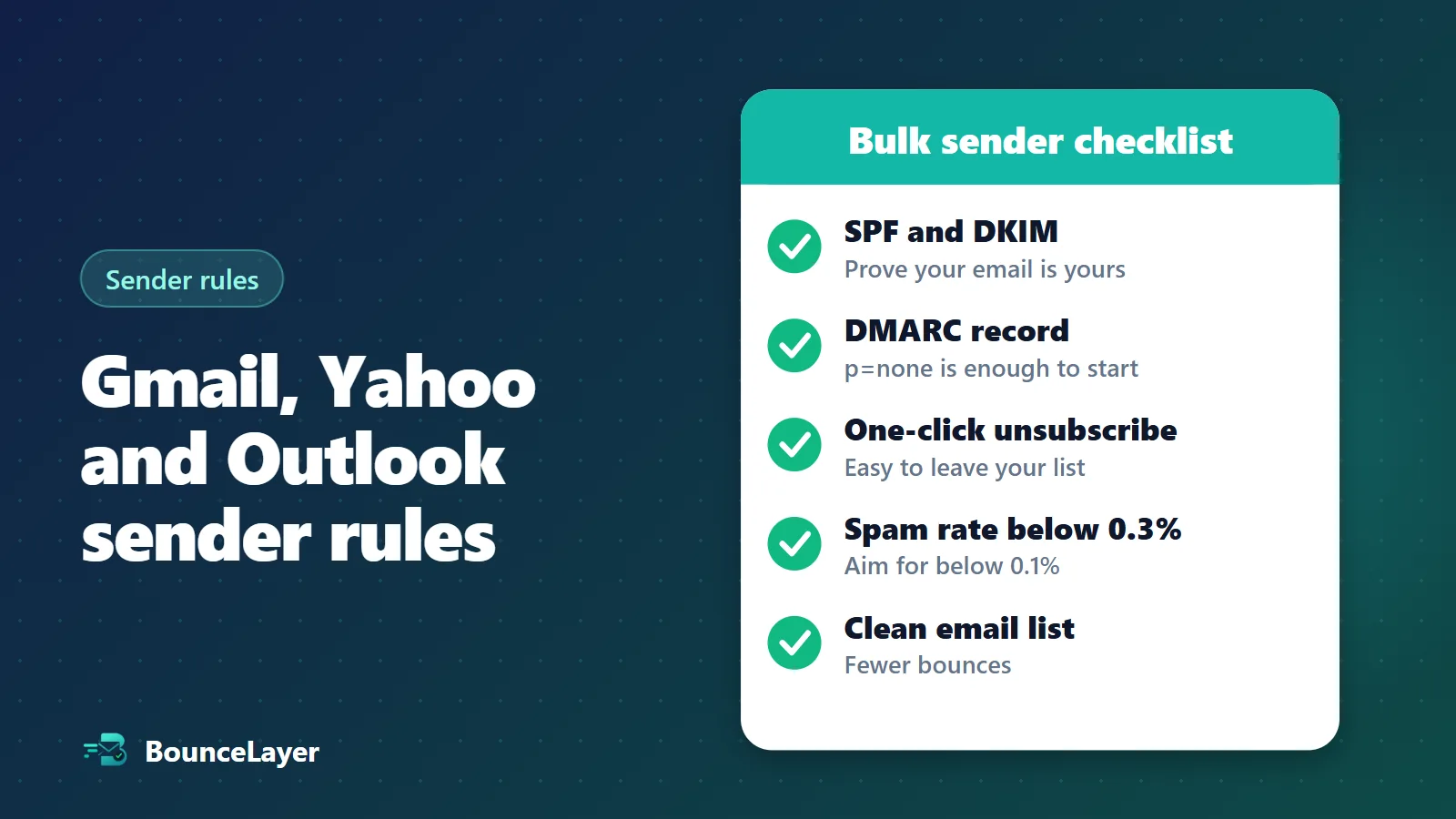
- Step 1: Check your SPF, DKIM and DMARC records, and add any that are missing.
- Step 2: Make sure your From domain matches the domain you authenticate with.
- Step 3: Turn on one-click unsubscribe in your email tool, and show a clear unsubscribe link in each marketing email.
- Step 4: Set up Google Postmaster Tools, and keep your spam rate below 0.3%. Aim for below 0.1%.
- Step 5: Clean your list, so bounces and dead addresses don't work against you.
- Step 6: Only email people who agreed to hear from you.