How to Check if an Email Address Is Valid (Without Sending an Email)
Simple ways to tell if an email address is real before you hit send, from a quick look for typos to a full mailbox check.
 Written byBounceLayer Team
Quick answer
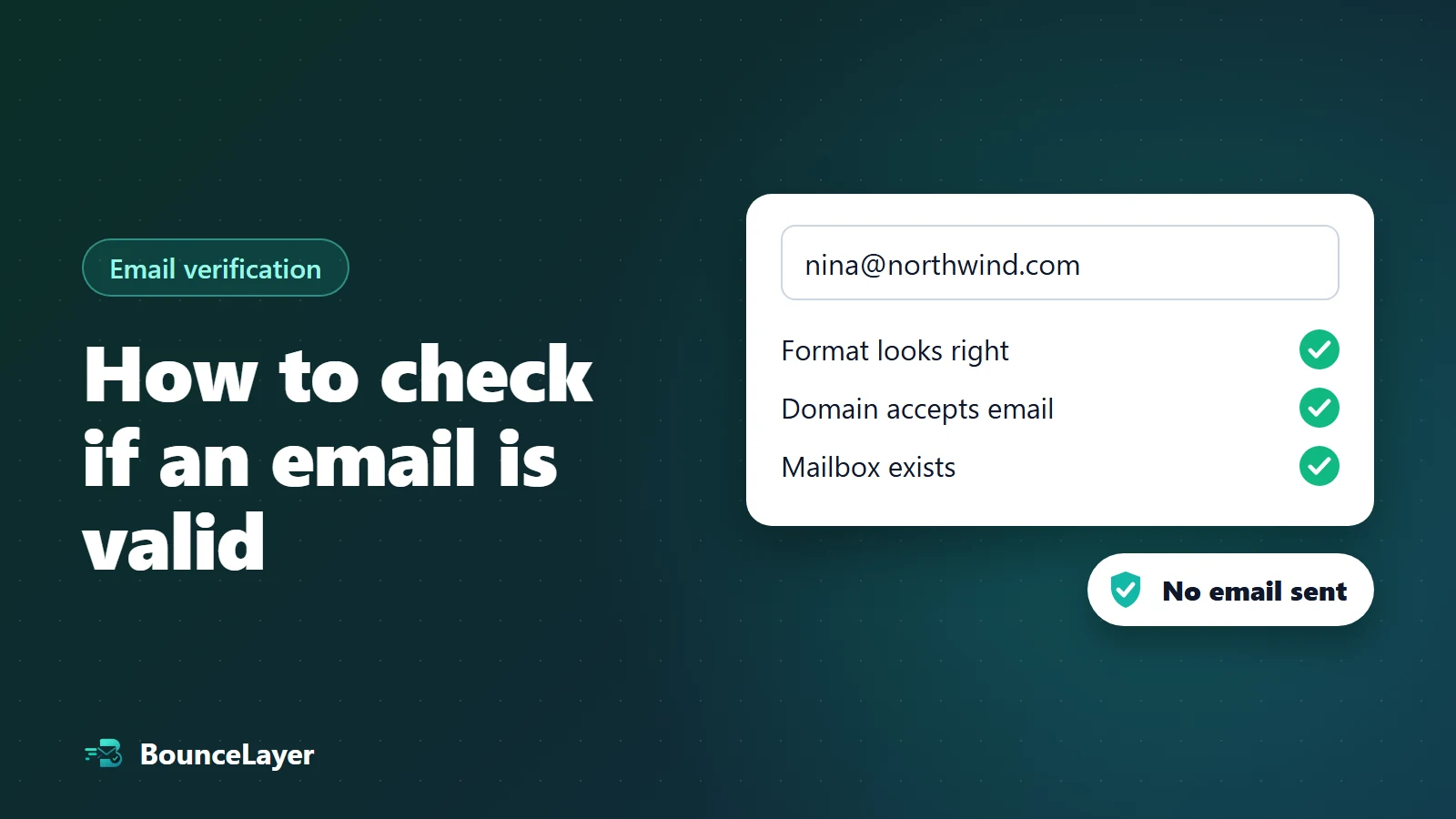
To check if an email address is valid without sending an email, first look for typos and obvious problems, then confirm the domain can receive email, and finally use an email verification tool. The tool asks the mail server whether the mailbox exists and stops before any message is sent, so the person is never contacted. Some domains accept mail for every address, so those can only be marked as risky.
What makes an email address valid?
An address can look perfectly normal and still bounce. To be safe to send to, it has to pass three checks, and a fourth question decides whether you should send to it at all.
| Check | The question | How to check it |
|---|---|---|
| Format | Does it look like an email address? | Read it, or use any form check. |
| Domain | Does the part after the @ exist and accept email? | Look up the domain's mail (MX) records. |
| Mailbox | Does this person's inbox exist? | Use an email verification tool. |
| Risk | Is it a throwaway, shared or catch-all address? | An email verification tool flags these. |
Method 1: Look for typos and obvious problems
Many bad addresses are simple mistakes you can catch by reading them. This takes seconds and costs nothing.
- Misspelled providers, like gmial.com, gmail.co, hotmial.com or yaho.com.
- Spaces, a missing @, two @ signs, or two dots in a row.
- Placeholder addresses, like test@test.com or asdf@example.com.
- Shared addresses, like info@ or sales@. These can be real, but they reach a team rather than one person.
Check any email address now. It's free, takes seconds, and no email is sent.
Try the free email checkerMethod 2: Check that the domain can receive email
Every domain that receives email publishes mail (MX) records that tell other servers where to deliver it. If a domain has no mail records, it usually can't receive email, and every address at it will bounce.
You can check this with a free MX lookup tool. Type in the domain, the part after the @, and see whether it has mail records.
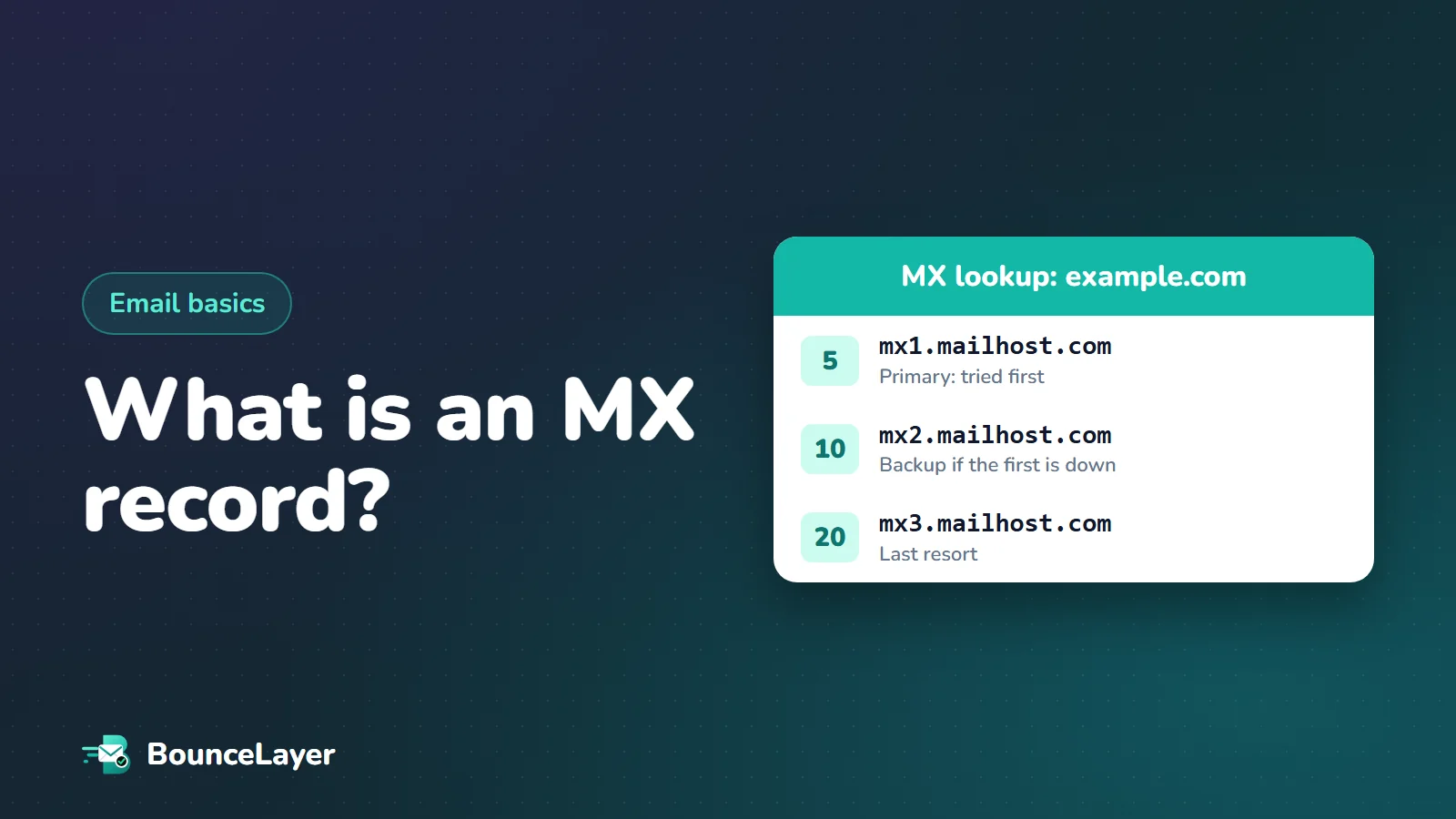
Our guide to MX records explains what the results mean, including the priority numbers next to each server and what it means when no MX record is found.
A company can have a website and no email on that domain, or the other way round. Check the mail records, not the website.
Method 3: Use an email verification tool
This is the only way to confirm that the mailbox itself exists without sending a message. A verification tool checks the format and the domain, then asks the receiving mail server whether it would accept mail for that address. It stops before anything is sent, so the person never sees a thing.
You'll get one of a few results back. Here's what each one means and what to do.
| Result | What it means | What to do |
|---|---|---|
| Valid | The mailbox exists and accepts email. | Safe to send. |
| Invalid | The address or domain doesn't exist. | Remove it. |
| Risky | It might work, but there's a reason for caution, like a catch-all domain or a throwaway address. | Send carefully, or leave it out of important campaigns. |
| Unknown | The mail server didn't give a clear answer. | Try again later before deciding. |
Ways of checking that don't work well
Some popular shortcuts cause more problems than they solve.
Every bounce from a test send counts towards your bounce rate. Check addresses first, then send.
- Sending a test email. If the address is bad, the bounce counts against your domain, and if it's good, you've contacted someone before you meant to.
- Guessing the address from a name pattern, like firstname.lastname@company.com, and sending without checking.
- Searching for the person online. It proves the person exists, not that the address works.
- Trusting a list because it's new. Bought and scraped lists often contain old and made-up addresses.
How to check a whole email list
Checking one address at a time is fine for a handful. For a list, upload the whole file, such as a CSV or Excel export from your email tool, to a verification tool that checks every address in one go.
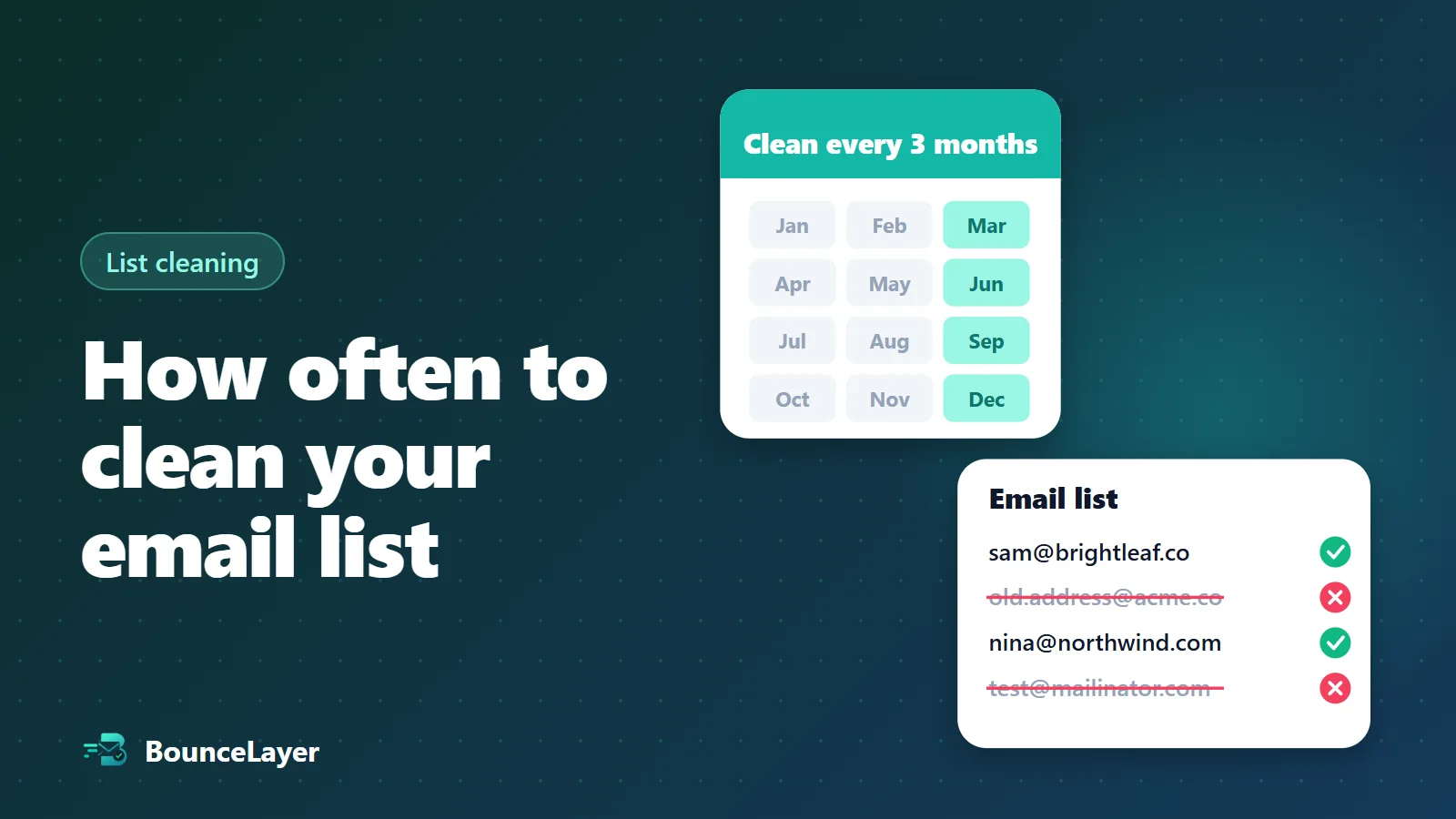
Remove the invalid addresses, put the risky ones in a separate group, and send to the valid ones as normal. Then check the list again about every three months, because addresses go out of date even when you do nothing.
What verification results mean
Verification tools use slightly different words, but most sort addresses into the same groups. Here's what each one means and what to do with it:
| Result | What it means | What to do |
|---|---|---|
| Valid | The mailbox exists and accepts mail | Send |
| Invalid | The mailbox or domain doesn't exist, or the address is malformed | Remove, or fix an obvious typo |
| Disposable | A temporary inbox from a throwaway email service | Remove |
| Catch-all | The domain accepts all addresses, so the mailbox can't be confirmed | Send carefully, in small batches |
| Do not mail | A role address like info@ or another risky address | Avoid for marketing and outreach |
| Unknown | The mail server didn't answer clearly | Check again later |
Check addresses when people type them
The best time to check an email address is the moment someone enters it, while they're still there to fix it. A real-time check on your sign-up, checkout or contact form can catch typos like gmial.com and suggest the right spelling, so the person corrects it in a second instead of never receiving your emails.
Keep the check friendly. Show a short message under the field rather than an error page, never block free providers such as Gmail or Outlook, and let the form go through if the check takes too long. The aim is to help real people get their address right, not to make sign-up harder.
Checking addresses in a spreadsheet
If your addresses are in Google Sheets, the built-in ISEMAIL function tells you whether each one is written in a valid format. It's a quick way to spot broken entries, but it can't tell whether the domain or mailbox exists.
For that, export the sheet as a CSV and upload it to a verification service. You get the same file back with a result next to each address, so you can filter out the bad ones and paste the clean list back into your sheet.
How accurate is email verification?
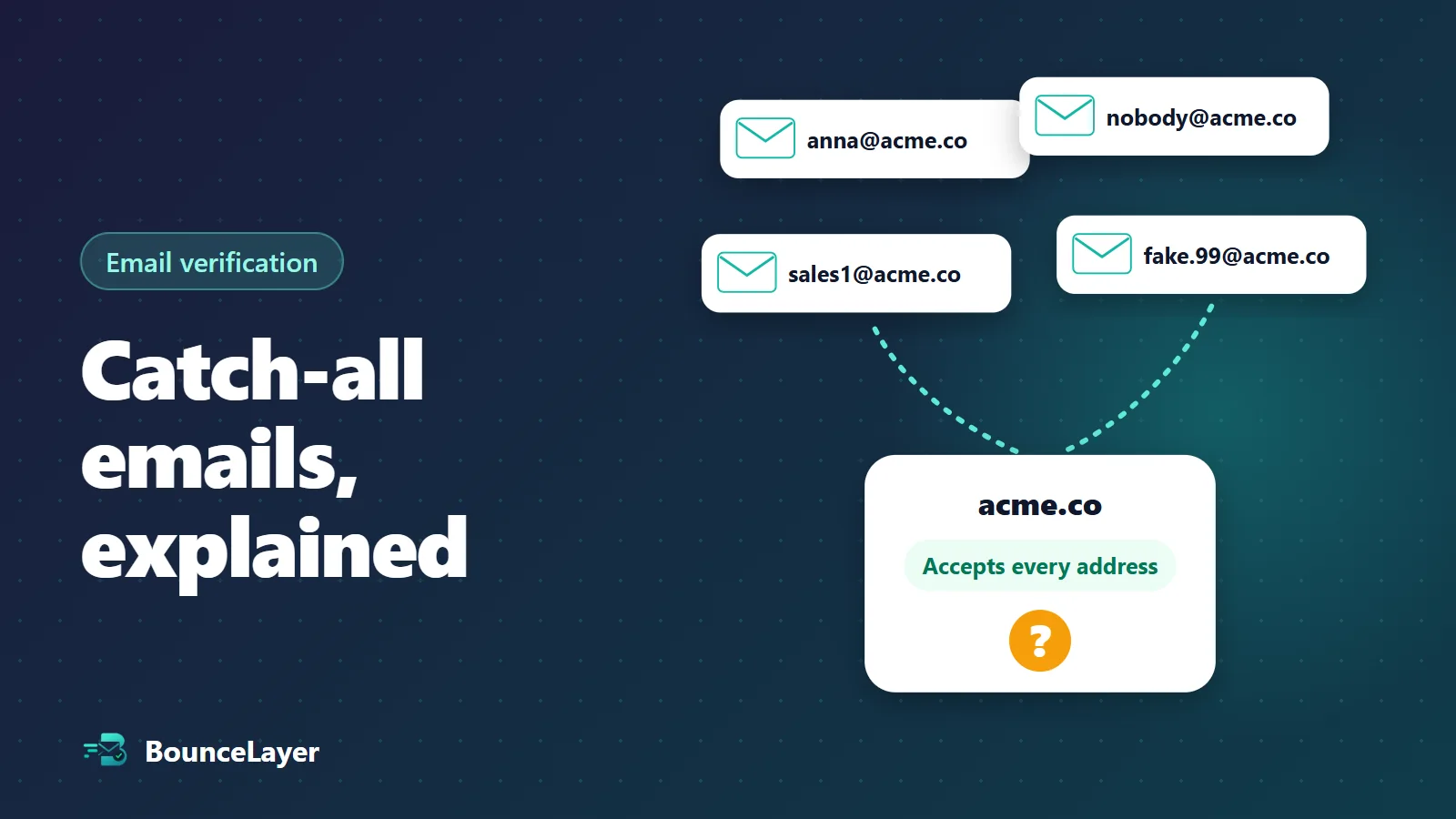
For most addresses, a mailbox check gives a clear answer: the mail server either confirms the mailbox or rejects it. Two situations limit what any tool can tell you. Catch-all domains accept every address, so the mailbox can't be confirmed either way. And some servers don't answer in time, which gives an unknown result that usually resolves if you check again later.
A result is also only true at the moment of the check. A valid address can close next month when the person changes jobs. That's why checking close to when you send matters more than having checked once.
Common questions
Can I check if an email address exists without sending an email?
Yes. An email verification tool asks the receiving mail server whether the mailbox exists, then stops before any message is sent.
Will the person know I checked their email address?
No. No email is sent to them during the check, so they won't see anything.
Why does a checker say an address is risky or unknown?
Risky usually means the domain accepts mail for every address (a catch-all domain), or the address is a throwaway or shared one. Unknown means the mail server didn't give a clear answer, so it's worth trying again later.
How accurate is email verification?
It's very reliable for addresses that are clearly valid or clearly invalid. No tool can confirm every address, though, especially at catch-all domains and servers that don't answer checks.
Is a free email checker good enough?
For a few addresses, yes. For a whole list, use a bulk checker so you can upload the file and clean every address at once.
Can I check an email address without the person knowing?
Yes. Format checks, domain lookups and mailbox checks don't send any email, so nothing arrives in the person's inbox and they aren't notified.
Is it free to check an email address?
Basic checks of format and domain are free with many online tools, including ours. Mailbox checks usually cost a small amount per address. BounceLayer includes 300 free mailbox checks a month, with no card needed.
How do I check if a Gmail address exists?
The same way as any other address. Large providers like Gmail reject mail to mailboxes that don't exist, so a mailbox check can usually give a clear valid or invalid answer for Gmail addresses.