First, work out what kind of problem you have
The right fix depends on who is affected. Start by matching what you're seeing to the likely cause.
| What you're seeing | Most likely cause |
|---|---|
| One person says your email went to spam | Their own settings or history with you. Ask them to mark it "Not spam" and save your address. |
| All your email goes to spam, even one-to-one messages | Your domain setup or sender reputation. |
| Only campaigns go to spam | List quality, complaints or the way you're sending. |
| It started after a big send | A sudden jump in volume, or an old list with many bad addresses. |
| Only one provider, like Gmail or Outlook, is affected | That provider's view of your reputation. Check its sender tools. |
8 reasons your emails go to spam, and how to fix each one
Work through these in order. The first few fix the most problems.
Start with your domain. Our free checker shows if your DMARC is set up, with no sign-up needed.
Check my domain1. Your domain isn't set up properly
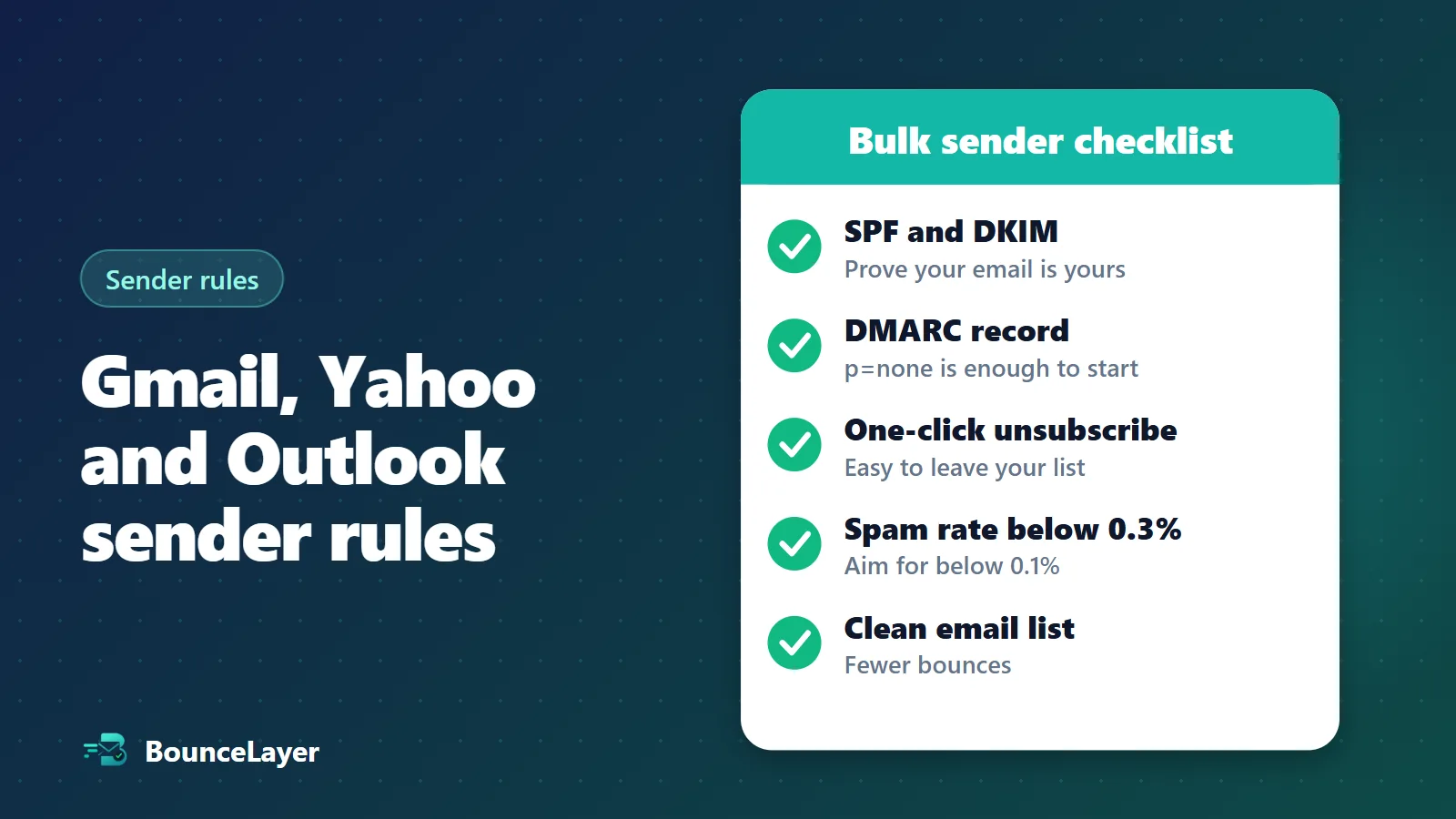
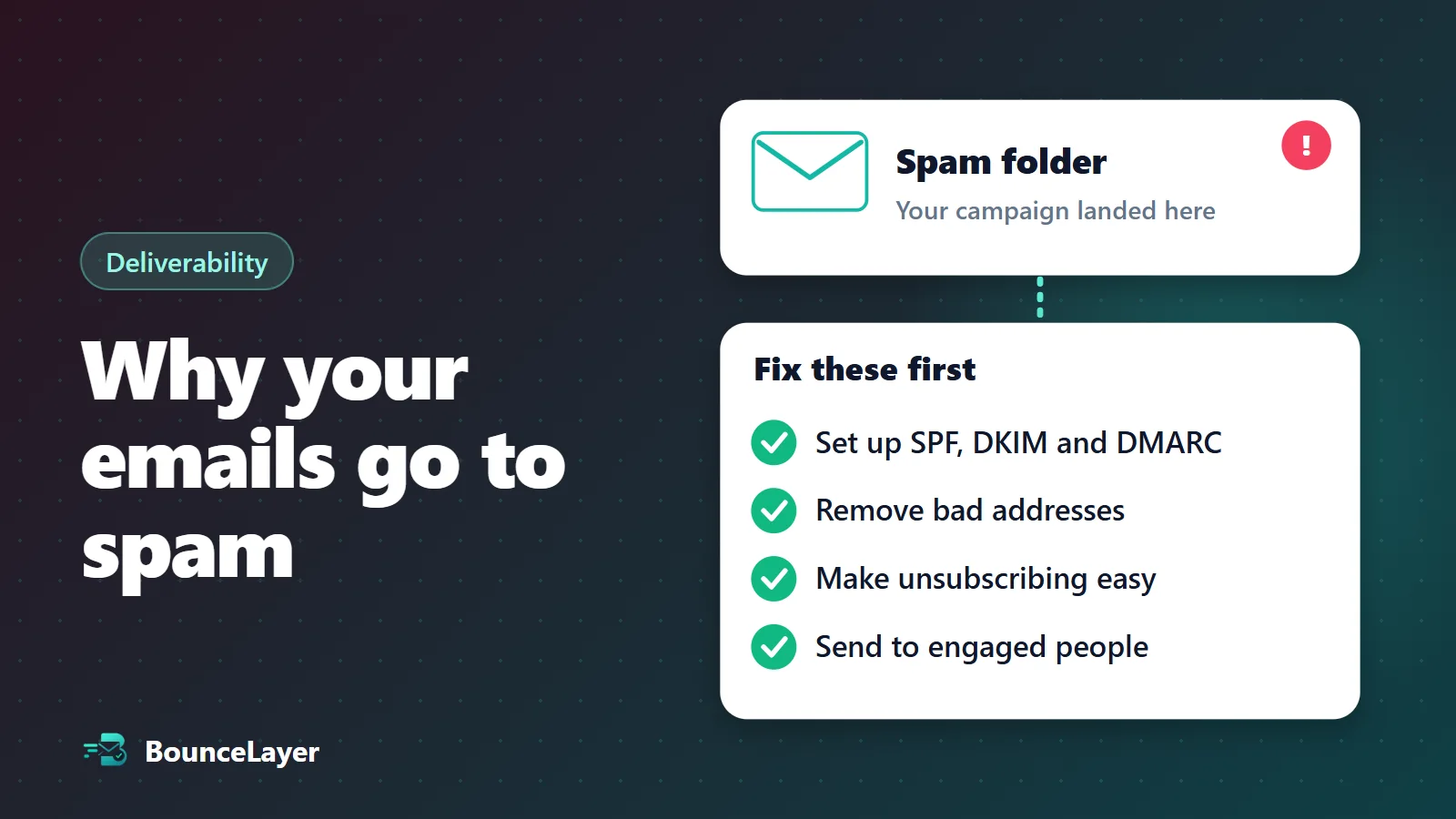
SPF, DKIM and DMARC are settings that prove your email really comes from you. Without them, mail providers have less reason to trust your messages. Your email service will give you the exact records to add to your domain, and our free SPF, DKIM and DMARC checkers show you what's missing.
2. Too many of your emails bounce
Every list collects dead addresses over time. When lots of your email bounces, providers may decide you aren't looking after your list. Clean your list before your next send, and remove hard bounces straight away.
3. People are marking your email as spam
Complaints are one of the strongest signals of all. Google asks senders to keep their spam rate below 0.3%, and recommends staying below 0.1%. Make your unsubscribe link easy to find, because someone who can't find it may press the spam button instead.
4. You're emailing people who don't engage
If most of your list ignores your email, providers notice. Send to your most active subscribers first. Try a win-back email for the quiet ones, and stop emailing those who still don't respond.
5. You're on a blacklist
Some mail servers check blacklists before accepting email. Use our free blacklist checker to find out if you're listed. If you are, fix the cause first, then ask that blacklist to remove you.
6. You started sending too much, too fast
A sudden jump in volume looks suspicious, especially from a new domain. Start small, and build up over a few weeks. Split large sends into smaller batches.
7. You bought your list or added people without asking
Bought lists tend to be out of date, and the people on them didn't ask to hear from you. That combination leads to bounces and complaints. Build your list with sign-ups, and consider asking new subscribers to confirm their address.
8. Your email looks like spam
Content matters less than the points above, but it can still count against you. Avoid misleading subject lines, a single large image with little text, and lots of links. Write to people the way you'd write to a customer you know.
If you send to many Gmail users, set up Google Postmaster Tools. It's free, and it shows your spam rate and whether your email is passing its authentication checks.
How to stop it happening again
Once you've fixed the cause, a few habits keep you out of spam.
- Clean your list about every three months, and before you email anyone you haven't contacted in 90 days or more.
- Check addresses at sign-up, so bad ones don't get in.
- Only email people who asked to hear from you.
- Remove people who unsubscribe straight away.
- Watch your bounce and complaint rates after each campaign.