What Is a Good Email Bounce Rate? Real Limits, Not Guesswork
Under 2% is a safe target. Here's where that number comes from, the exact points where email providers start reviewing or pausing accounts, how to work out your own rate, and how to bring it down.
 Written byBounceLayer Team
Quick answer
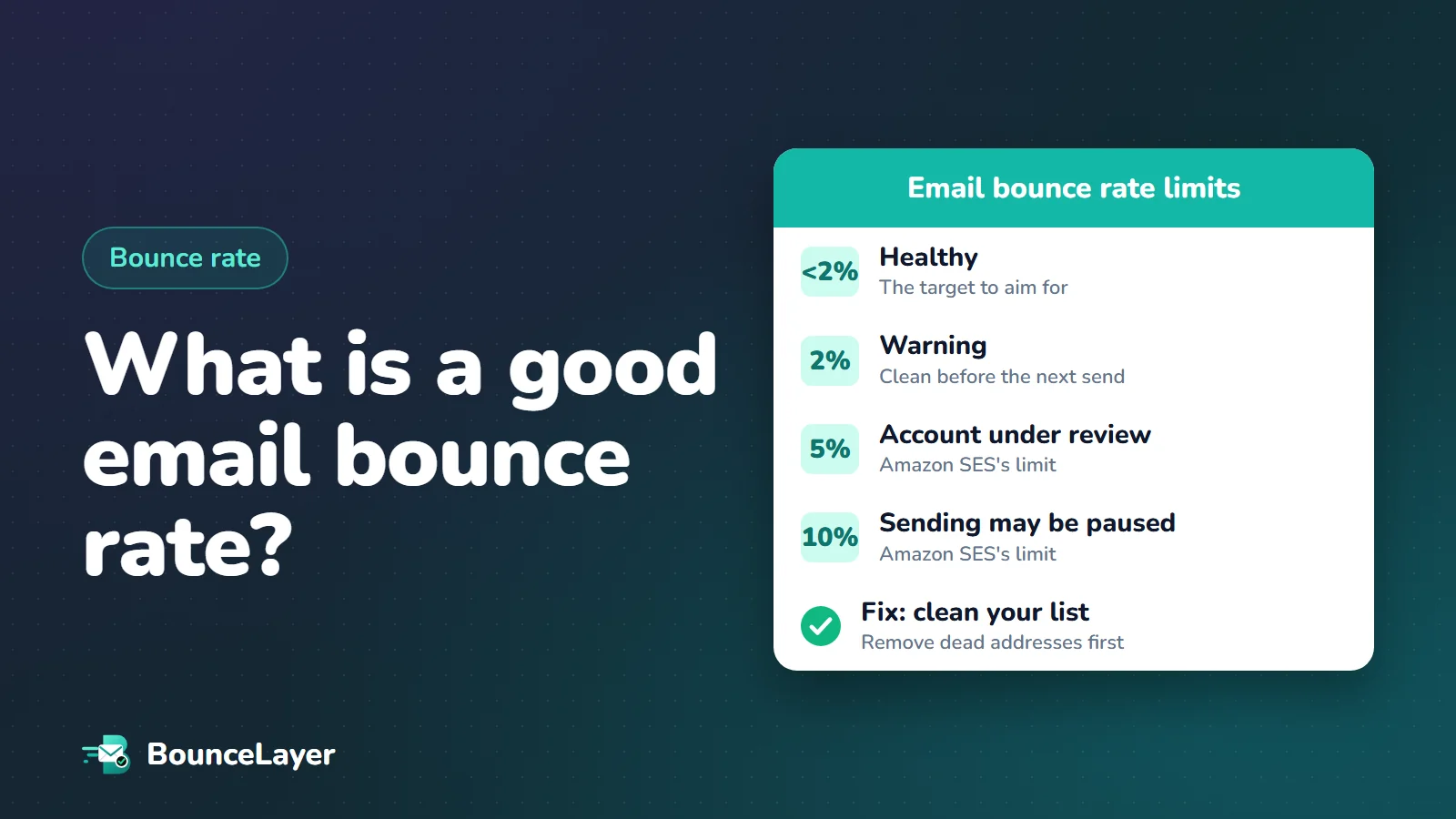
A good email bounce rate is under 2%, counting hard bounces (addresses that don't exist). Amazon SES, one of the few providers that publishes its limits, recommends staying below 2%, places an account under review at 5%, and may pause sending at 10%. Most other email platforms don't publish a number but suspend accounts that go well past these levels. If your rate is above 2%, remove addresses that no longer exist before your next send.
The short answer: under 2%
Your bounce rate is the share of emails that couldn't be delivered. For a healthy list, keep it under 2%. Between 2% and 5% is a warning sign worth acting on before your next send. Above 5%, email providers start treating your account as a risk.
You'll find plenty of "average bounce rate by industry" tables online. We don't repeat them here, because they come from different companies measuring different things. The limits below come from the providers that actually decide whether your mail gets sent.
| Bounce rate | What it means | What to do |
|---|---|---|
| Under 2% | Healthy | Keep cleaning new sign-ups and old segments |
| 2% to 5% | Warning | Clean the list before your next campaign |
| 5% to 10% | Amazon SES puts accounts under review | Stop sending to the list until it's cleaned |
| 10% or more | Amazon SES may pause sending | Your platform may already have suspended you |
Where these numbers come from
Few email platforms publish exact limits. Amazon SES, which sends email for a large share of apps and email tools, is the clearest. Its enforcement FAQ says: maintain a bounce rate below 2% for best results; at 5% or more your account is placed under review; at 10% or more Amazon may pause your account's ability to send.
Amazon's own pages don't fully agree on the first number. One page says to stay below 2%, another says below 5%. Both agree on review at 5% and a possible pause at 10%. We use 2% as the target because it leaves room for a bad week.
Mailchimp doesn't publish a percentage. Its help pages say bounce limits vary between mailbox providers and that those providers don't release them. It does say it can suspend an account when a single send goes past industry thresholds. In practice, staying under 2% keeps you well clear of any platform's limit.
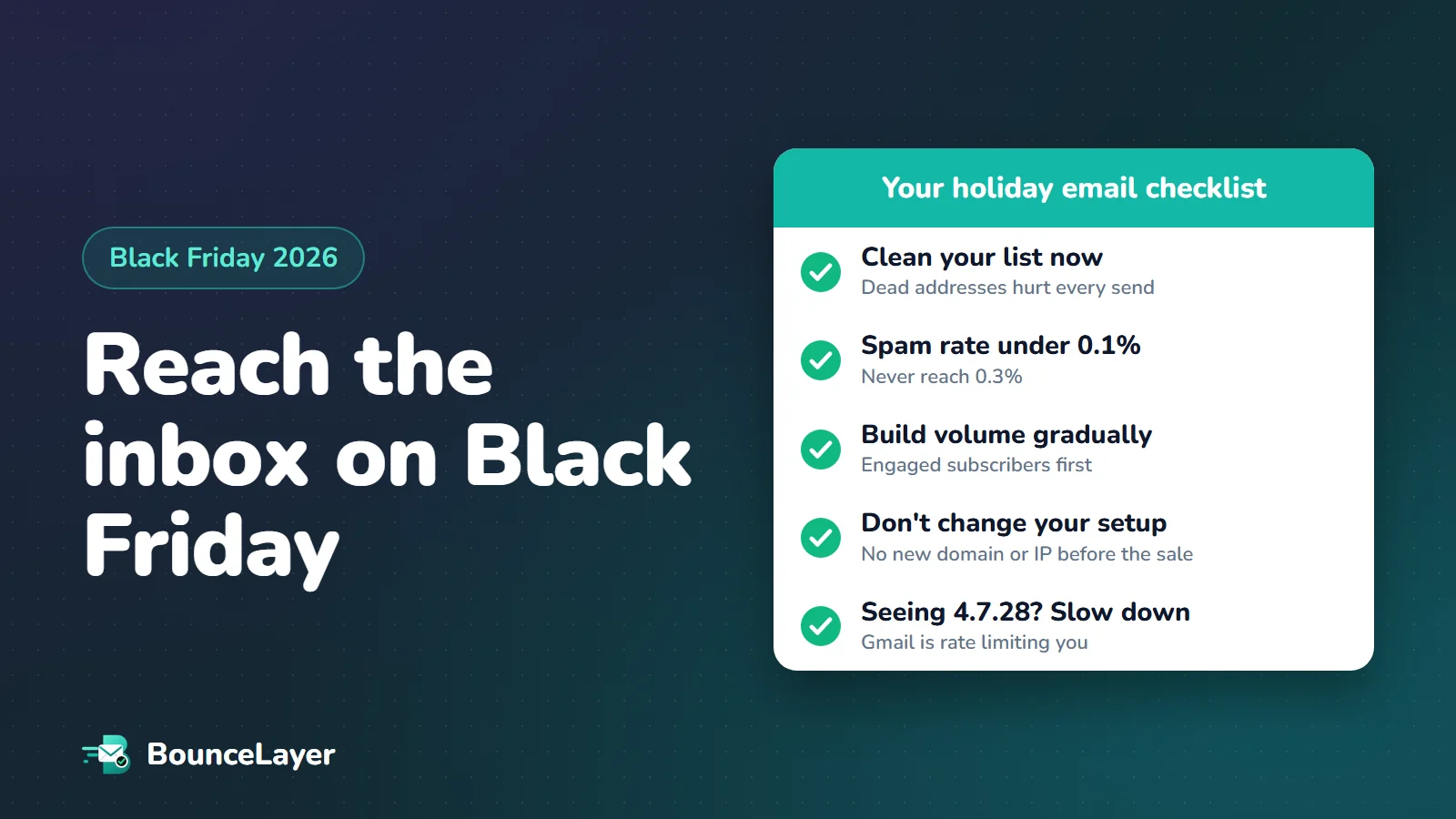
Bounces aren't the only number that matters. Amazon SES reviews accounts at a 0.1% complaint rate and may pause them at 0.5%. Gmail asks bulk senders to stay below 0.1% and never reach 0.3%.
See how many addresses on your list would bounce before you send. Upload a file and get the results in minutes.
Check your listWhich bounces count
There are two kinds of bounce, and only one of them usually counts towards these limits.
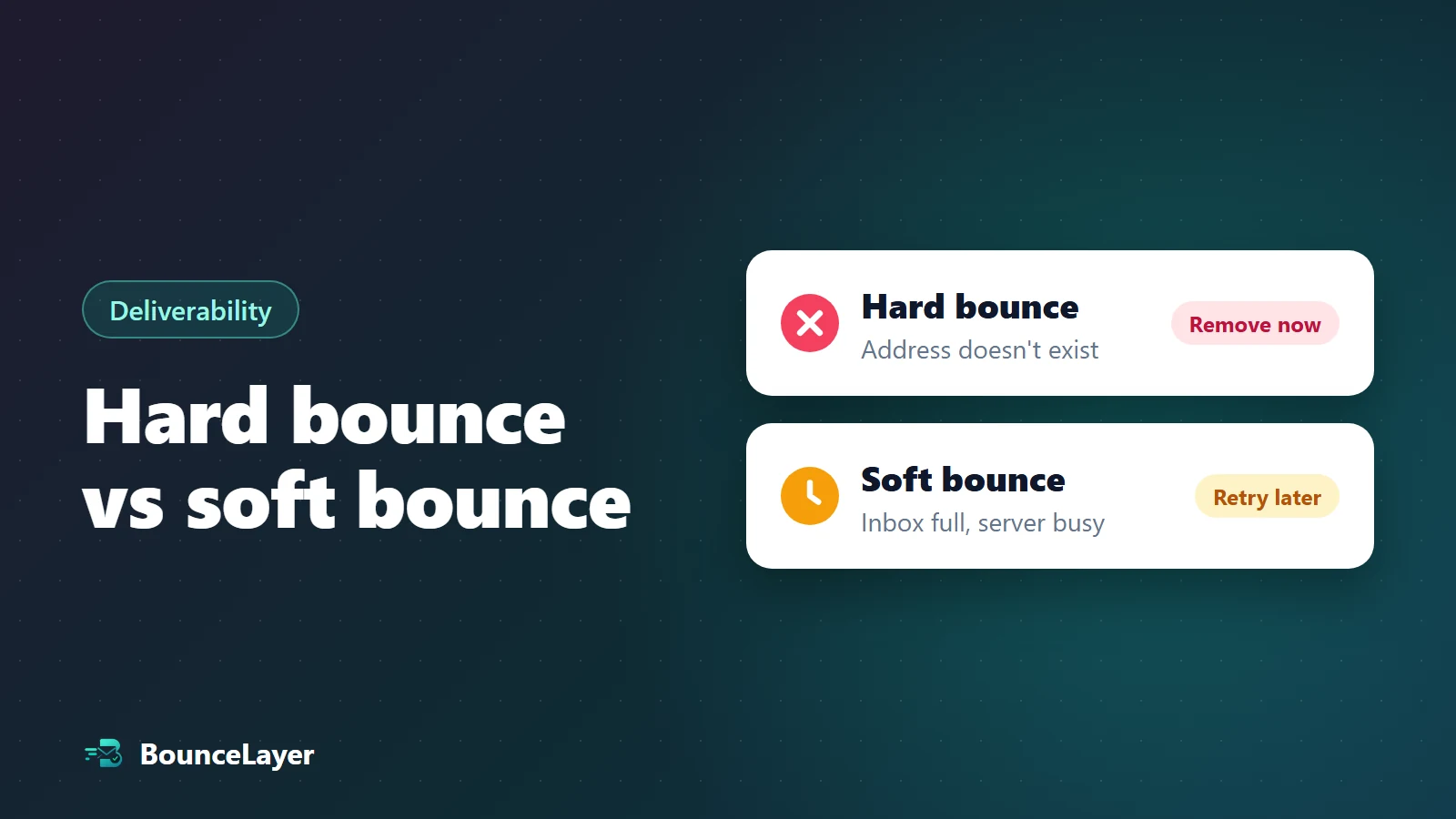
A hard bounce is permanent: the address doesn't exist, the domain doesn't exist, or the mail server refuses the address for good. Amazon SES counts only hard bounces in its bounce rate.
A soft bounce is temporary: the mailbox is full, the server is busy, or the message was too large. These normally don't count. But they don't last forever either. Mailchimp, for example, turns an address into a hard bounce after 7 soft bounces if the contact has never engaged, or up to 15 if they have.
| Hard bounce | Soft bounce | |
|---|---|---|
| What it means | The address can't receive email, permanently | Delivery failed this time |
| Common causes | Address or domain doesn't exist, typo, old job address | Mailbox full, server busy, temporary block |
| Counts towards bounce limits | Yes | Usually not, but repeated soft bounces become hard ones |
| What to do | Remove the address straight away | Retry later; remove it if it keeps failing |
How to calculate your bounce rate
Divide the number of hard bounces by the number of emails you sent, and multiply by 100. Do it for each campaign: an average across a month can hide one bad send that did real damage.
Your email platform shows this in its campaign reports. If it shows only a combined bounce figure, look for the split into hard and soft bounces.
Bounce rate = hard bounces ÷ emails sent × 100

Example: 180 hard bounces on 10,000 emails
180 ÷ 10,000 × 100 = 1.8%  (healthy)

Same list a year later: 620 hard bounces on 10,000 emails
620 ÷ 10,000 × 100 = 6.2%  (Amazon SES would review this account)
Why a high bounce rate hurts more than the bounces
Each bounced email is one lost message. The bigger cost is what the bounces say about you. Mailbox providers use bounce rates as a sign of how carefully a sender looks after its list. Spammers send to bought and scraped lists full of dead addresses; careful senders don't.
So when your bounce rate climbs, the damage spreads to the emails that did reach real people. More of them land in spam, your email platform may throttle or suspend your account, and you can end up on a blocklist. One careless send to an old list can undo months of good sending.
What causes a high bounce rate
Almost every cause comes down to addresses that shouldn't be on the list. That's good news: it means the fix is in your hands.
- Old lists. People change jobs and abandon inboxes. Work addresses decay especially fast.
- Typos at sign-up, such as gmial.com or hotmial.com.
- Fake and throwaway addresses entered to grab a discount or a download.
- Bought, rented or scraped lists. Many of their addresses were never real.
- Importing a list from another tool without removing the addresses that tool had already marked as bounced.
- Sending to a segment you haven't emailed in a long time.
How to bring your bounce rate down
Work through these in order. The first two fix most problems.
A bounce report tells you which addresses were bad only after the damage is done. Checking the list before you send removes them while they still cost nothing.
- Remove every address that has hard-bounced, and never mail it again. Make sure your email platform does this automatically.
- Check the rest of the list before your next big send, and remove addresses that no longer exist, obvious typos and throwaway inboxes.
- Check new addresses when people sign up, so bad ones never get in. A check on your sign-up form catches typos while the person can still fix them.
- Treat "risky" addresses (domains that accept every address, so a single mailbox can't be confirmed) with care: send to them separately and watch the results.
- Stop sending to people who haven't opened or clicked in a long time, or send them a single "do you still want these emails?" message first.
- Never buy or rent lists.
- Re-check lists you haven't mailed for three months or more before you use them.
How often to check your list
How often you need to clean depends on how quickly your list changes.
| Your situation | How often to check |
|---|---|
| Steady newsletter with sign-up form checks | Every 3 to 6 months |
| B2B list of work addresses | Every 1 to 3 months, since people change jobs often |
| Large or fast-growing list | Before every big campaign |
| Any list unused for 3+ months | Before you send to it again |
| Bounce rate already above 2% | Now, before the next send |
Common questions
What is a good email bounce rate?
Under 2%, counting hard bounces. Amazon SES recommends staying below 2%, reviews accounts at 5% and may pause sending at 10%.
Is a 5% bounce rate bad?
Yes. At 5% Amazon SES places an account under review, and other platforms may warn or suspend you. Clean the list before you send again.
What bounce rate gets an account suspended?
Amazon SES says it may pause sending at 10% or more. Most other platforms, including Mailchimp, don't publish a number but can suspend an account when a single send goes past industry thresholds.
Do soft bounces count towards bounce rate?
Usually not. Amazon SES counts only hard bounces. But repeated soft bounces turn into hard bounces: Mailchimp converts them after 7 soft bounces for contacts who never engaged, or up to 15 for those who did.
How do I calculate my email bounce rate?
Divide hard bounces by emails sent and multiply by 100. For example, 180 hard bounces on 10,000 emails is 1.8%.
What is the fastest way to lower my bounce rate?
Remove addresses that have hard-bounced, then check the rest of the list before your next send and remove addresses that no longer exist, typos and throwaway inboxes.
Is bounce rate the same as spam complaint rate?
No. Bounce rate is about addresses that can't receive email. Complaint rate is about people who pressed "Report spam". Its limits are much lower: Amazon SES reviews accounts at 0.1% and Gmail asks for under 0.1%.