Black Friday 2026 Email Checklist: How to Reach the Inbox, Not the Spam Folder
Black Friday is 27 November and Cyber Monday is 30 November. Here's what Gmail's rules actually say, the mistakes that sink holiday campaigns, and a day-by-day plan for the next two weeks.
 Written byBounceLayer Team
Quick answer
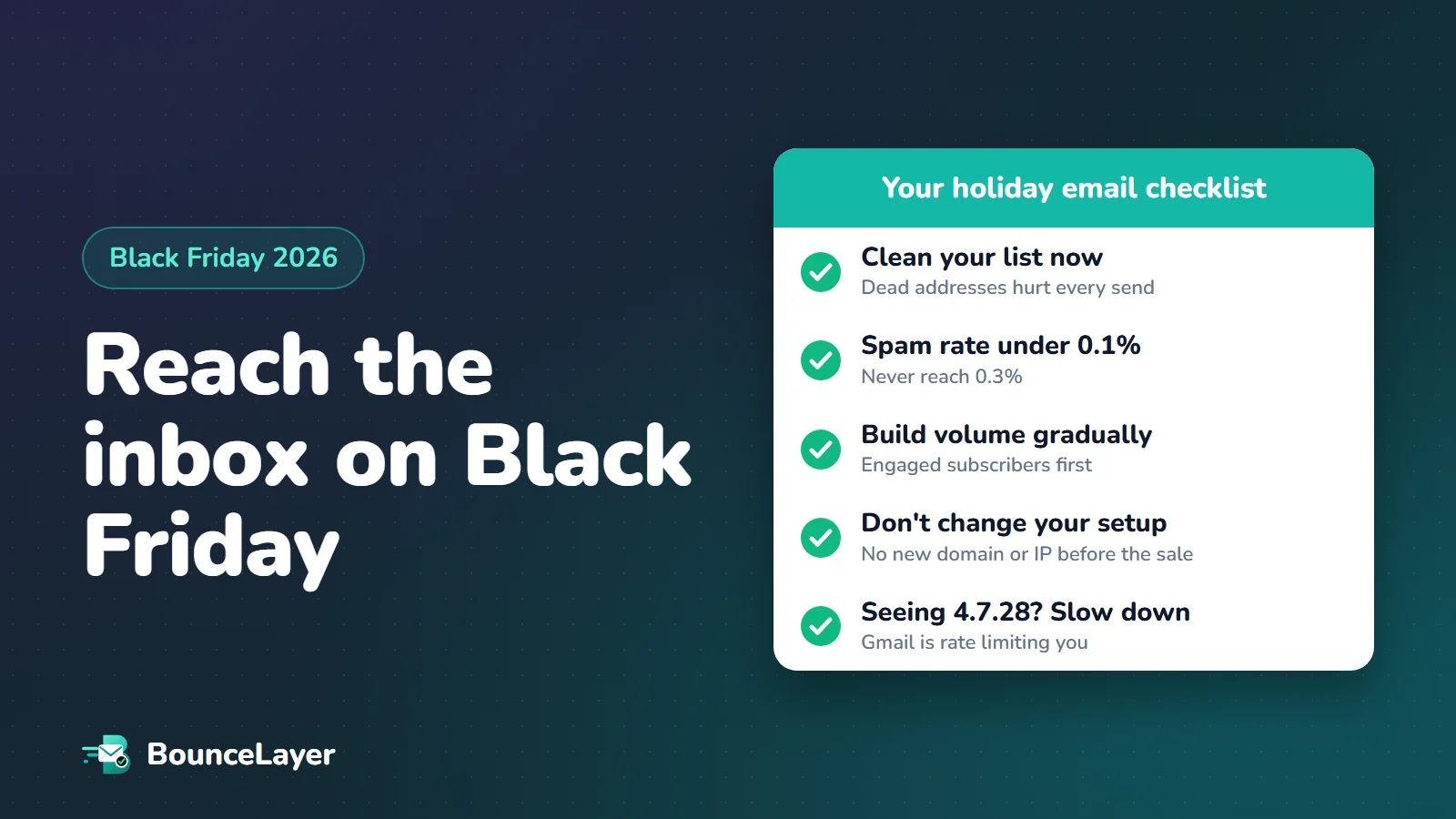
To reach the inbox on Black Friday (27 November 2026) and Cyber Monday (30 November), keep your Gmail spam complaint rate below 0.1% and never let it reach 0.3%, raise your sending volume gradually instead of doubling it overnight, and don't change your sending domain, IP address or authentication setup this close to the sale. Remove addresses that no longer exist before your biggest sends, send to your most engaged subscribers first, and if Gmail starts deferring mail with error 4.7.28, slow down until the errors stop.
Why holiday email lands in spam
Every year, the week around Black Friday is the busiest week of the year for email. Shops that send once a week start sending every day. Lists that haven't been mailed since last December get dusted off. And mail providers such as Gmail, Yahoo and Outlook judge every one of those messages using the same signals they use all year: who sends it, how many people complain, and how many addresses don't exist.
That's the trap. The habits that feel natural in November (send more, send to everyone, send again to people who didn't open) are exactly the ones that hurt your reputation. When your reputation drops in the middle of the sale, the damage lands on your most valuable emails.
This guide is based on Google's own sender guidelines and FAQ, which set the clearest public rules, plus holiday data published by Validity, an email data company. Where a number comes from a single company's data, we say so.
| Date (2026) | What's happening |
|---|---|
| Now to 22 November | Clean your list, check your setup, start building volume with engaged subscribers |
| Thursday 26 November | Thanksgiving in the US. Many sales start early |
| Friday 27 November | Black Friday |
| Monday 30 November | Cyber Monday |
| 1 to 10 December | Complaints can still rise as offers expire. Keep watching |
Gmail's rules, in plain English
Google publishes the rules it applies to mail sent to personal Gmail addresses (those ending in @gmail.com or @googlemail.com). They don't apply to mail sent to businesses that use Google Workspace. Here are the ones that matter most this month.
First, the bulk sender line. Google's FAQ defines a bulk sender as anyone that sends close to 5,000 messages or more to personal Gmail accounts in 24 hours, counted across your whole domain. It also says that once you meet that bar, you are a bulk sender permanently. If your Black Friday send crosses it for the first time, the stricter rules apply to you from then on.
Second, spam complaints. Google says to keep the spam rate shown in Postmaster Tools below 0.1% and never let it reach 0.3%. It calculates the rate daily. Above 0.3%, Google's FAQ says you lose access to its delivery support and mitigations until the rate stays below 0.3% for 7 days in a row.
Spam rate is roughly the share of people who press "Report spam". On a send that reaches 40,000 Gmail inboxes, 40 reports is 0.1% and 120 reports is 0.3%. That's why one send to an old or uninterested list can do so much damage.
| Rule | All senders | Bulk senders (about 5,000+ a day to Gmail) |
|---|---|---|
| Authentication | SPF or DKIM | SPF, DKIM and DMARC (p=none is enough), with the From domain matching SPF or DKIM |
| Spam rate | Below 0.3% | Aim below 0.1%, never reach 0.3% |
| Unsubscribe | Make it easy | One-click unsubscribe on marketing email, and honour it within 48 hours |
| Server setup | Reverse DNS (PTR) and a secure (TLS) connection | Same |
Find the addresses on your list that will bounce before your Black Friday send. Upload a file and see the results in minutes.
Check your listClean your list before the big sends
Addresses that no longer exist are the quickest way to look careless to a mail provider. Each one comes back as a hard bounce, and a high bounce rate on a high-volume day tells Gmail and Outlook that you aren't looking after your list.
It gets worse in the run-up to the holidays. Validity reports that in 2025, messages bouncing because the address didn't exist ran 50 to 60% higher than normal between mid-September and mid-November. People change jobs, abandon old inboxes and sign up with throwaway addresses to grab a discount code.
Do the cleaning now, not on the morning of the sale. That gives you time to look at what was removed and to fix the form or import that let bad addresses in.
- Remove addresses that hard-bounced on earlier sends. Never mail them again.
- Check the rest of the list for addresses that no longer exist, typos such as gmial.com, and throwaway inboxes.
- Treat "risky" addresses (domains that accept every address) with care: send to them later, in smaller batches.
- Leave out people who haven't opened or clicked in a long time. Mailing a year-old segment on Black Friday is one of the most common causes of complaint spikes.
- Check that new sign-ups this month are real. Holiday discount pop-ups attract fake and mistyped addresses.
Check your sending setup this week
If your setup is broken, nothing else in this checklist matters. Google says unauthenticated mail may be marked as spam or rejected, and its error codes for missing SPF, DKIM, DMARC or reverse DNS are permanent for some failures. Check these once now, while you still have time to fix them.
Mail providers trust senders they recognise. A new sending domain, a new IP address or a move to a new email platform resets that history, and the week of Black Friday is the worst time to be a stranger. If a migration is planned, hold it until January.
- SPF and DKIM pass for every tool that sends as your domain: your email platform, your shop, your help desk.
- You have a DMARC record. If you're a bulk sender this is required, and p=none is enough. Don't switch to p=quarantine or p=reject this close to the sale.
- The domain in your From address matches the domain that passes SPF or DKIM (this is called alignment).
- Marketing emails have a one-click unsubscribe header, and a visible unsubscribe link in the email itself.
- Your domain shows as "Compliant" in Google Postmaster Tools' Compliance status page. Google says its data can take up to 24 hours to update, and up to 7 days to reflect a fix, so look now.
- Send a test to a Gmail address, open "Show original", and check that SPF, DKIM and DMARC all say PASS.
Raise volume gradually, starting with engaged subscribers
Google's guidance on volume is blunt. It says to increase sending volume slowly, and that immediately doubling what you usually send could result in rate limiting or a drop in reputation. If you don't normally send large volumes, sudden spikes are exactly what its filters watch for.
The safest plan is to build up over the days before the sale, starting with the people most likely to open and least likely to complain. Positive engagement early in the week earns you room for the bigger sends later.
| When | Who to send to | Why |
|---|---|---|
| 18 to 22 November | People who opened or clicked in the last 30 to 60 days | Builds a good record before volume rises |
| 23 to 26 November | Add people active in the last 90 days | Volume grows in steps, not in a jump |
| 27 to 30 November | Your normal active list | Your reputation is strongest when it matters most |
| Avoid | Anyone inactive for 6 months or more | Few sales, many complaints and old addresses |
If Gmail slows you down: the 4.7.28 error
On busy days you may see your email platform report "deferred" messages, or an error that starts 421 4.7.28. Google's error list explains it as Gmail having detected an unusual rate of email, so it has temporarily rate limited the sender.
This is a warning, not a ban, and it's temporary. Google's advice is to reduce your sending volume until the error rate decreases, then increase slowly again. Its guidelines also suggest pausing for at least 10 minutes and then sending over a single connection before building back up. Most email platforms do this for you, but if you run your own mail server, check that it does.
What you should not do is try to push through it by sending faster, or by switching to a different domain or IP address. That makes the pattern look worse.
421 4.7.28 Gmail has detected an unusual rate of email. To protect our users from spam, email has been temporarily rate limited.Write emails people won't report
Most spam reports in November aren't about spam at all. They come from people who forgot they signed up, who get four emails a day, or who can't find the unsubscribe link. Each of those is fixable.
- Use a From name people recognise, the same one you use all year.
- Make unsubscribing easy and obvious. Someone who can't find it will press "Report spam" instead, and that counts against you.
- Offer "fewer emails" as well as "unsubscribe", for example one email a week until January.
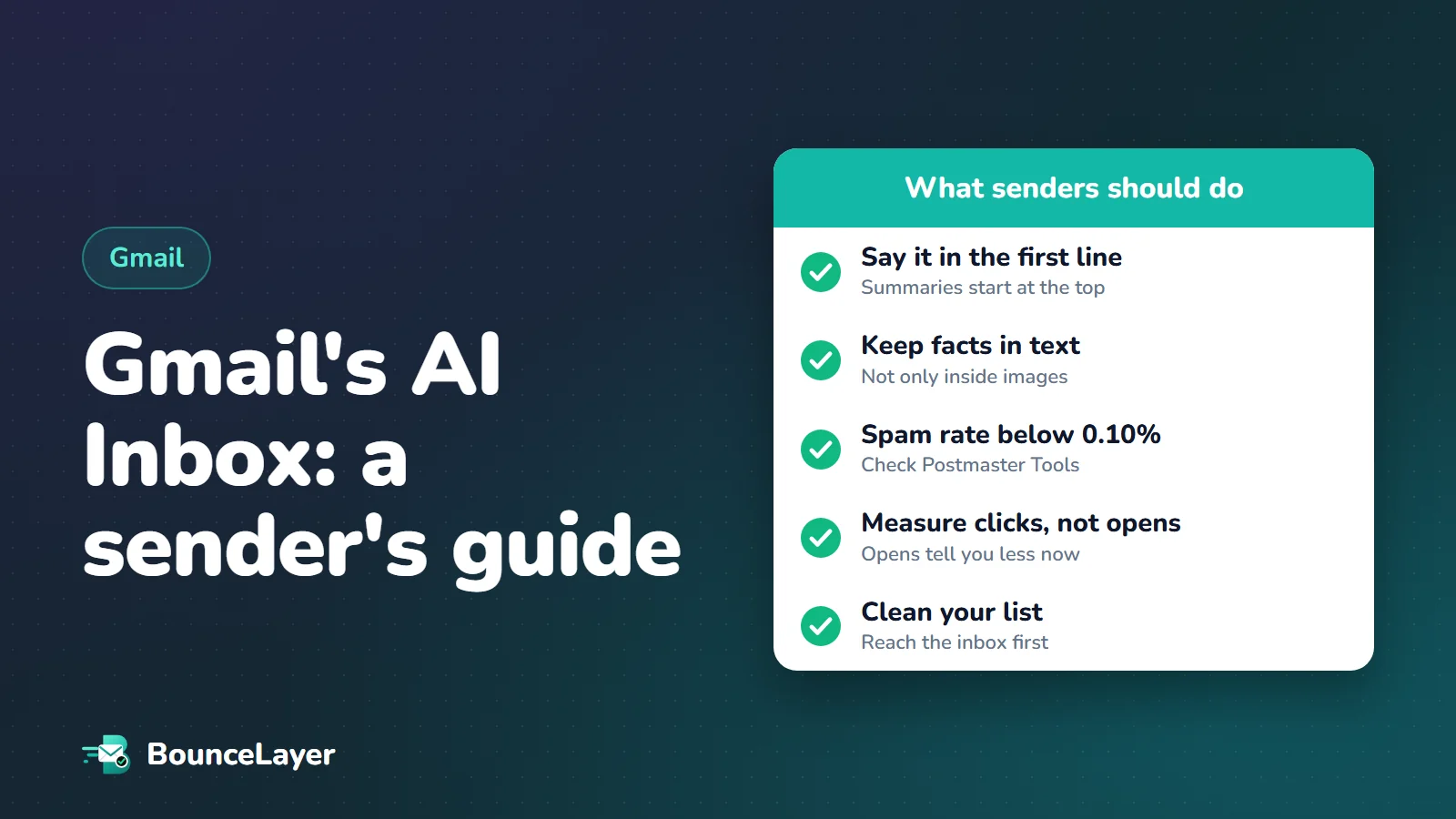
- Put the offer in the first line. Gmail and Apple Mail now show AI summaries of emails, and both start from the top.
- Keep the key details (discount, deadline, code) in text, not only inside an image.
- Space sends out. Several emails a day to the same person is the fastest way to collect complaints.
- Don't send at exactly the top or bottom of the hour, when everyone else does. A few minutes either side can reduce delays.
The complaints arrive a week later
It's tempting to relax once Cyber Monday is over. Don't. According to Validity's analysis of the 2025 holiday season, spam complaints peaked 7 to 10 days after Black Friday rather than on the day itself, as people found offers that had already expired and reported them.
That's one company's data from one season, but the lesson is sound: an email about a deal that ended yesterday is an email nobody wants. Stop sending sale reminders as soon as the sale ends, and if your platform supports it, hide or replace expired offers in emails that were already sent.
- Keep checking your spam rate in Postmaster Tools every day until mid-December.
- Remove people who bounced during the sale from your list straight away.
- Send your post-sale emails (thank-yous, delivery updates, "last chance" for genuinely extended offers) only to people who engaged.
- Cut back to your normal sending rhythm in early December.
Your two-week checklist
Here's everything in one place. If you only have an hour, do the first four.
| When | Do this |
|---|---|
| This week | Remove hard bounces and check the rest of the list for dead, mistyped and throwaway addresses |
| This week | Confirm SPF, DKIM and DMARC pass, and that Postmaster Tools shows Compliant |
| This week | Check one-click unsubscribe works on a real marketing email |
| This week | Freeze changes: no new domain, IP address or email platform until January |
| 18 to 26 November | Raise volume gradually, starting with recently engaged subscribers |
| 27 to 30 November | Send to your active list only. Watch for 4.7.28 deferrals and slow down if you see them |
| 1 to 10 December | Stop expired-offer reminders, watch spam rate daily, remove sale bounces |
Common questions
When is Black Friday 2026?
Black Friday is Friday 27 November 2026, the day after US Thanksgiving (26 November). Cyber Monday is Monday 30 November 2026.
What spam rate does Gmail allow?
Google asks senders to keep the spam rate shown in Postmaster Tools below 0.1% and never let it reach 0.3%. It's calculated daily. Above 0.3%, bulk senders lose access to Google's delivery support until the rate has stayed below 0.3% for 7 days in a row.
Does one big send make me a Gmail bulk sender?
It can. Google defines a bulk sender as anyone that sends close to 5,000 or more messages to personal Gmail accounts in 24 hours, counted across the whole domain, and says that status is permanent once reached. A single large Black Friday send can cross that line.
What does Gmail error 421 4.7.28 mean?
It means Gmail has noticed an unusual rate of email from you and is temporarily limiting how fast it accepts it. It's temporary. Google's advice is to reduce your sending volume until the errors stop, then increase slowly again.
Should I send Black Friday emails to my whole list?
No. Send to people who have opened or clicked recently, and leave out anyone inactive for six months or more. Old segments bring complaints and dead addresses, which can lower your reputation for the emails that matter most.
Is it safe to switch email platforms before Black Friday?
It's risky. A new platform usually means a new IP address and sometimes a new domain, and mail providers treat new senders more cautiously. If you can, wait until January.
When should I clean my email list for Black Friday?
As soon as possible, and at least a few days before your biggest send. That leaves time to review what was removed and to fix whatever let bad addresses onto the list.
Why do spam complaints go up after Black Friday?
Validity's data on the 2025 season found complaints peaked 7 to 10 days after Black Friday, as people found offers that had already expired. Stop sending reminders once a sale ends and keep watching your spam rate into December.