Black Friday Emails Went to Spam or Bounced? What to Check Before Cyber Monday
Black Friday is the biggest send of the year, and the next one is only days away. Here's how to tell within an hour whether your Black Friday email had a problem, what to fix this weekend, and how to send Cyber Monday safely.
 Written byBounceLayer Team
Quick answer
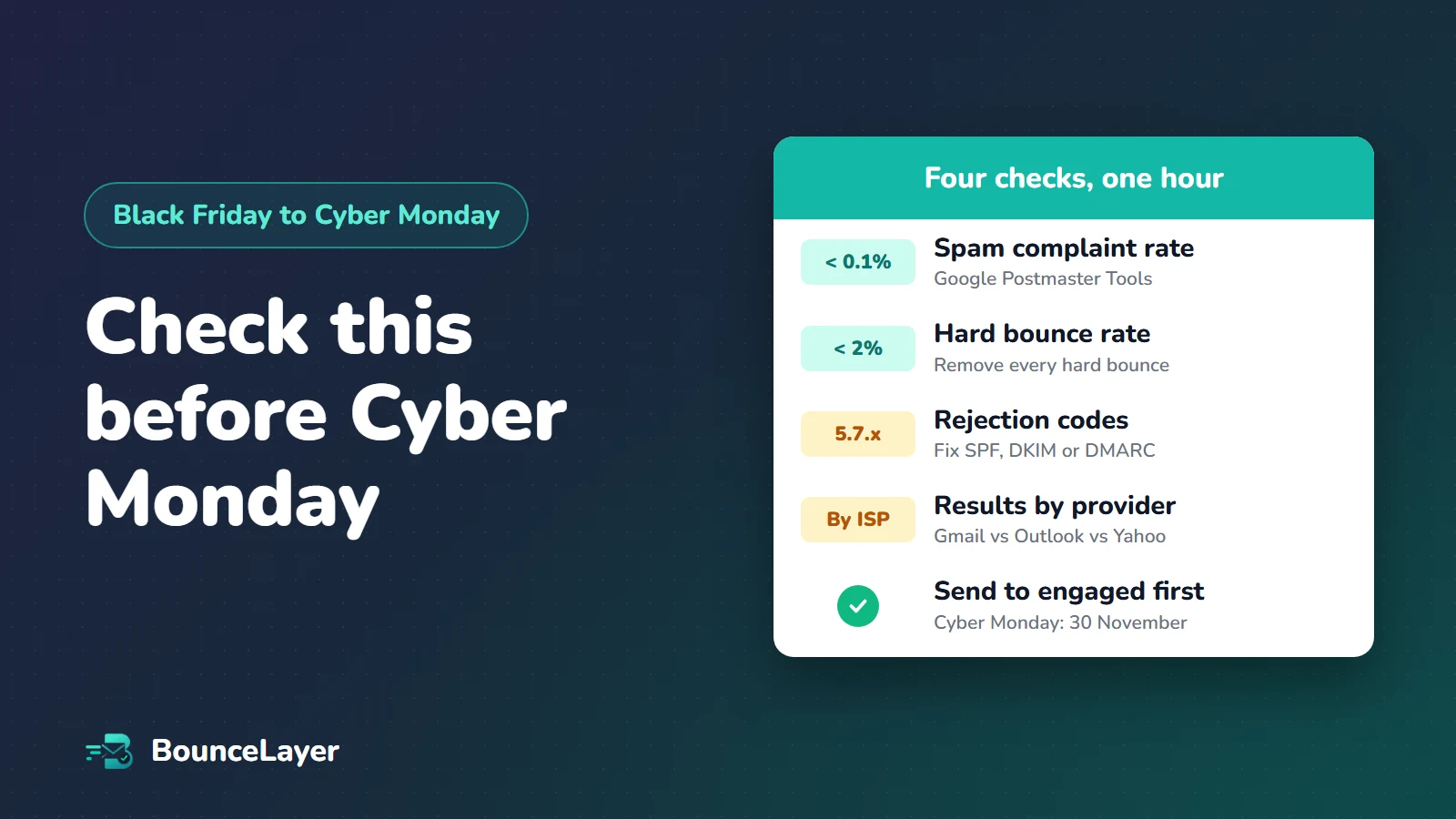
Between Black Friday (27 November 2026) and Cyber Monday (30 November 2026), check four things: your spam complaint rate in Google Postmaster Tools (keep it below 0.1% and never let it reach 0.3%), your hard bounce rate (aim for under 2%), any rejection codes from Gmail or Outlook in your bounce reports, and whether clicks dropped at one mailbox provider. Remove every address that hard bounced, fix any authentication error the codes point to, and send Cyber Monday to your most engaged subscribers first instead of your whole list.
Why the days after Black Friday matter
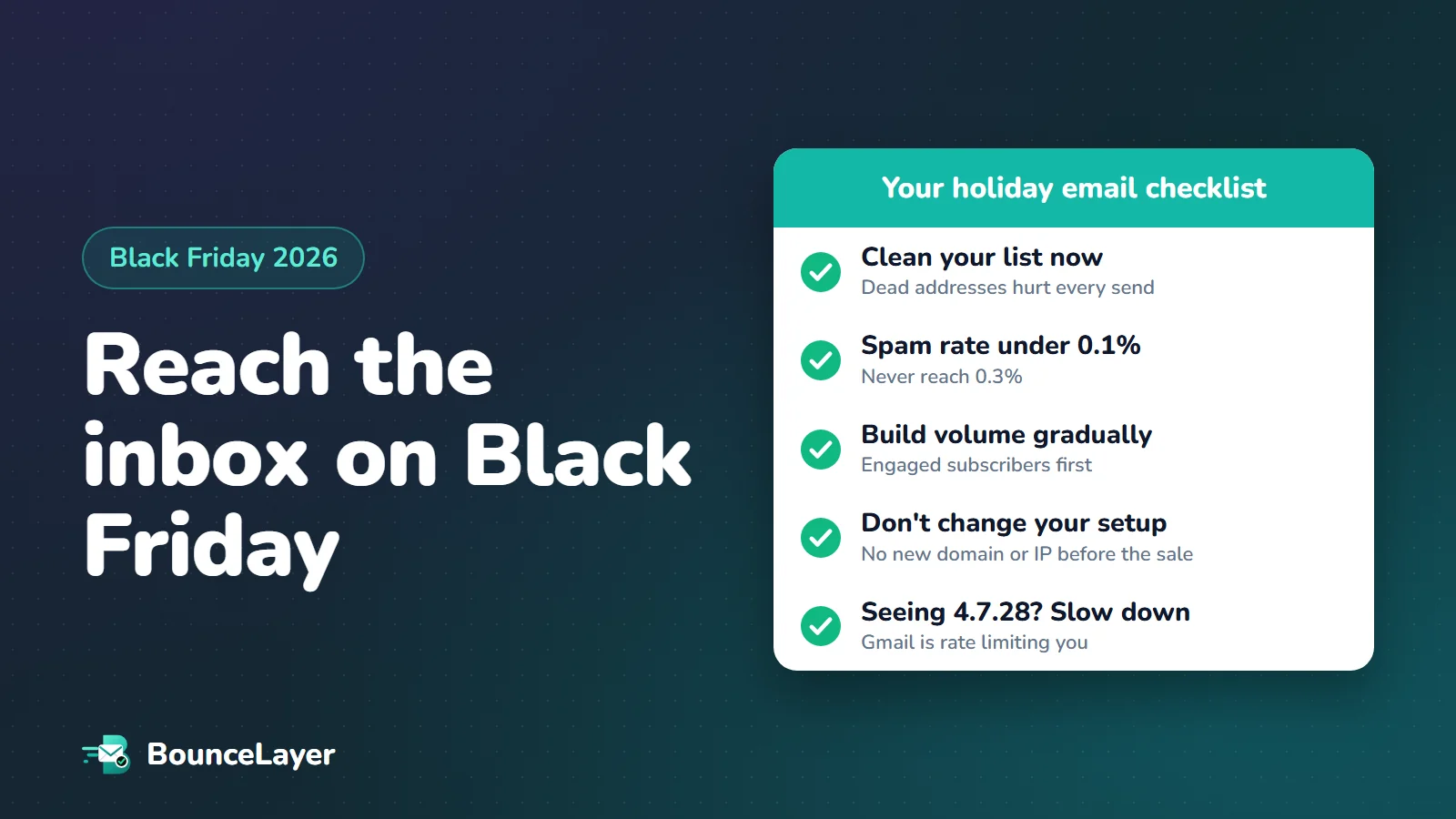
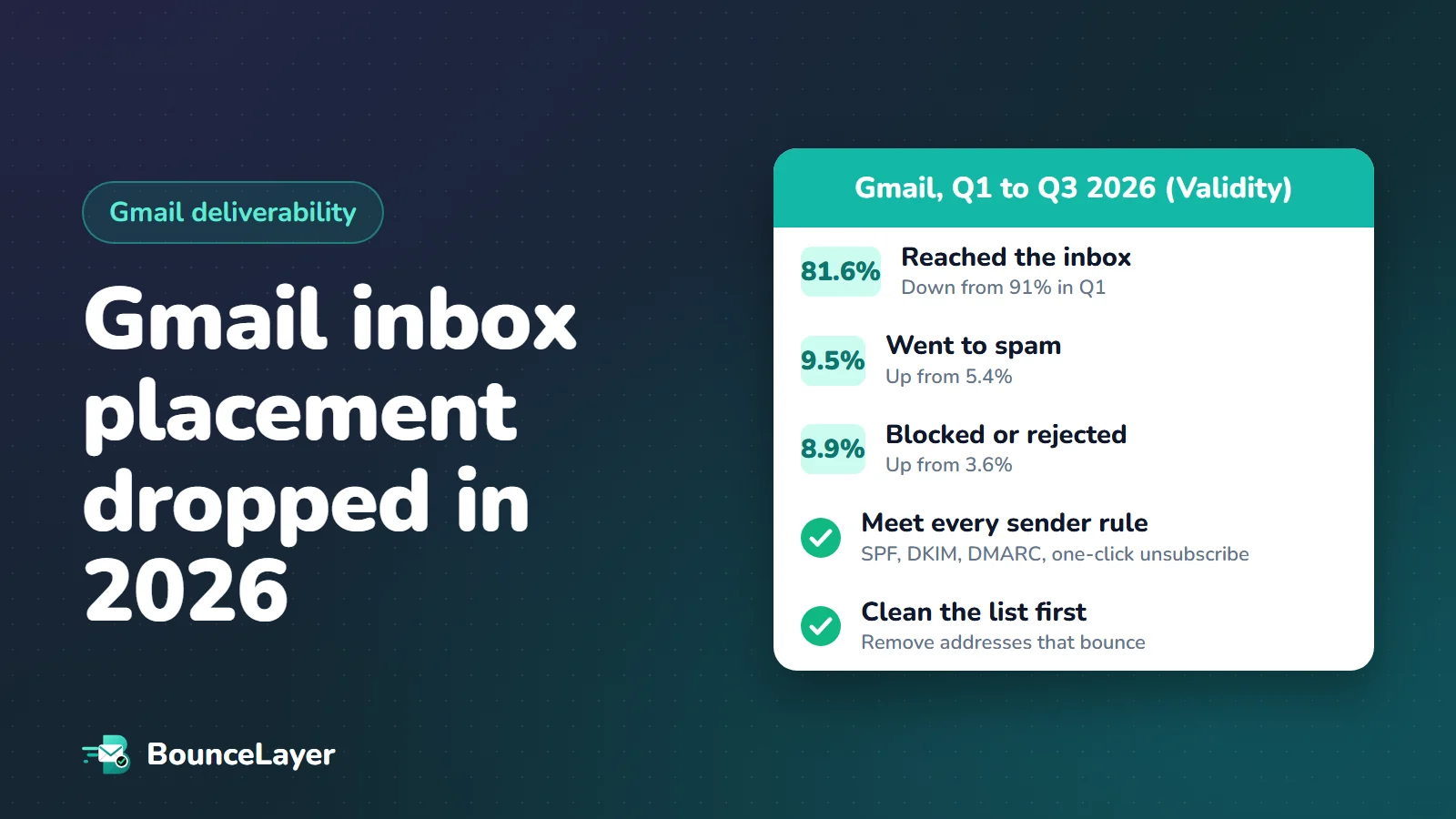
Mailbox providers like Gmail and Outlook judge each send partly on how the last one went. Black Friday usually means your biggest list, your most emails in a week, and subscribers you haven't mailed in months. If that produced bounces or spam complaints, Cyber Monday starts with a weaker reputation.
Cyber Monday 2026 falls on 30 November, so you have a weekend to check and fix. Don't wait for open rates to tell you. They are distorted by privacy features that load images automatically, and Google says it doesn't use them.
The four checks to run today
None of these need a paid tool. Together they take about an hour.
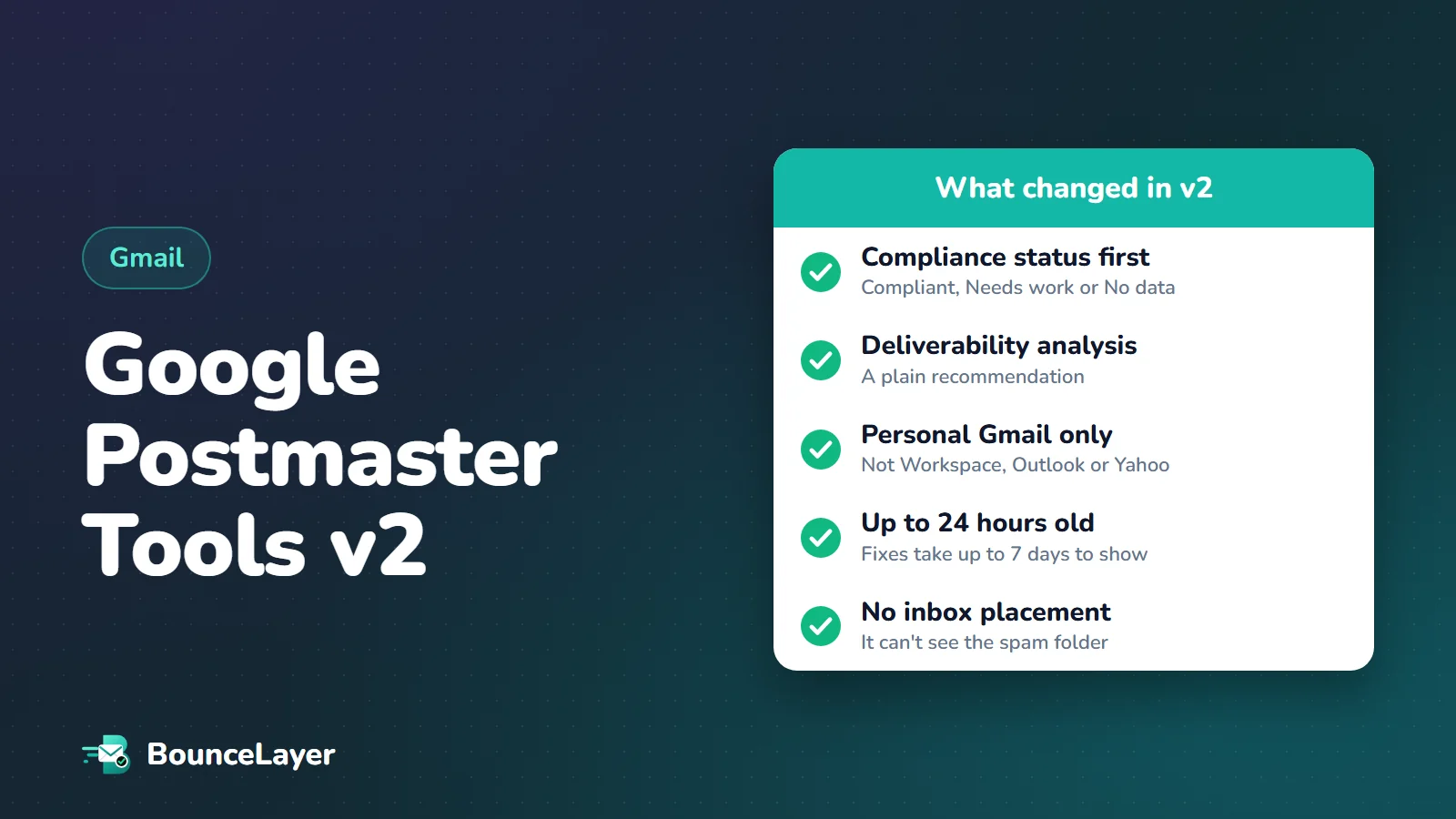
Google Postmaster Tools updates within about 24 hours and covers personal Gmail addresses only. Black Friday data should be there by Saturday; check again on Sunday before you schedule Cyber Monday.
| Check | Where | Fine | Problem |
|---|---|---|---|
| Spam complaint rate | Google Postmaster Tools (postmaster.google.com) | Below 0.1% | 0.1% or more; urgent at 0.3% |
| Hard bounce rate | Your email platform's campaign report | Under 2% | Over 2%; providers act at around 5% |
| Error codes | Bounce or suppression report | Few, and mostly 5.1.1 (unknown user) | Many 5.7.x or 4.7.x codes from Gmail or Outlook |
| Results by provider | Campaign report split by recipient domain | Clicks similar across Gmail, Outlook and Yahoo | One provider far below the others |
Did Black Friday bounce? Check the rest of your list before Cyber Monday goes out.
Check your list freeWhat the bounce codes are telling you
Codes starting with 5 are permanent; codes starting with 4 are temporary, usually because the provider is slowing you down. These come from Gmail's sender guidelines and the common SMTP codes most providers use.
| Code | Meaning | What to do before Cyber Monday |
|---|---|---|
| 5.1.1 | The mailbox doesn't exist | Remove the address. Don't resend |
| 5.7.26 | Unauthenticated mail (Gmail) | Check SPF and DKIM on every tool that sent for you |
| 4.7.27 / 4.7.30 | SPF or DKIM check failed (Gmail) | Fix the failing record; a new tool added for the sale is a common cause |
| 4.7.31 | No DMARC record (Gmail) | Publish a DMARC record at p=none |
| 4.7.28 | Sending too much too fast (Gmail) | Spread Cyber Monday over a few hours instead of one blast |
| 550 5.7.515 | Outlook: domain doesn't meet its authentication rules | Make sure SPF, DKIM and DMARC all pass for your From domain |
How to fix it before Cyber Monday
Work through these in order. The first two are the ones that most often decide whether Cyber Monday reaches the inbox.
Moving to a new sending domain or IP on a holiday weekend means sending from an address with no reputation, at peak volume. Fix the problem on the setup you have.
- Remove every hard bounce. Most platforms suppress them automatically, but check. Imported lists and second platforms often don't share suppressions.
- Check the rest of the list before you send again. If Black Friday bounced at more than 2%, the addresses that didn't bounce yet come from the same source. Verify the list rather than finding out on Monday.
- Fix authentication errors. If the codes point to SPF, DKIM or DMARC, fix the record now. DNS changes can take a few hours to spread.
- Cut the segments that caused complaints. If your spam rate rose, look at who you added for Black Friday: old subscribers, imported contacts, or people who never opened anything. Leave them out of Cyber Monday.
- Send to your most engaged subscribers first. People who clicked in the last 90 days, then widen if results stay healthy.
- Don't send more to make up the difference. Extra sends to the same list push complaints up. One good Cyber Monday email beats three reminders.
If Black Friday went fine
Keep Cyber Monday the same: same list, same sending setup, similar volume. Remove the few addresses that bounced, check Postmaster Tools the morning after, and save your numbers. They're your baseline for next year.
After Cyber Monday: what to do in December
The holiday season runs through December, so the work doesn't stop on Monday.
- Clean the new sign-ups. Black Friday brings a wave of new subscribers, including typos and fake addresses entered for a discount code. Check them before they get your next campaign.
- Send a welcome to new subscribers before the next promotion, so their first email from you isn't another sale.
- Move people who didn't open anything all season into a re-engagement message in January instead of mailing them through December.
Common questions
When is Cyber Monday 2026?
Monday 30 November 2026, three days after Black Friday on Friday 27 November.
Why did my Black Friday emails go to spam?
The usual causes are a spam complaint rate above 0.1%, sending to old or unengaged subscribers, a jump in volume, addresses that bounced, or an SPF, DKIM or DMARC record that failed for a tool added for the sale. Check Google Postmaster Tools and your bounce codes to see which one applies.
What is a normal bounce rate for a Black Friday email?
The same as any campaign: under 2% hard bounces. A higher rate usually means you mailed old or imported contacts. Amazon SES reviews accounts at 5% and may pause sending at 10%.
Should I resend Black Friday emails that bounced?
Not hard bounces: those addresses don't exist or permanently refuse your mail, and resending hurts your reputation. Soft bounces, such as a full mailbox, can be retried, but remove them if they keep bouncing.
How do I improve deliverability before Cyber Monday?
Remove hard bounces, verify the rest of the list if Black Friday bounced above 2%, fix any authentication errors, leave out segments that caused complaints, and send to your most engaged subscribers first.
Should I send more emails on Cyber Monday to make up for Black Friday?
No. Extra emails to the same people raise complaints, which pushes more mail into spam. Send fewer, better-targeted emails.