Gmail Inbox Placement Dropped 9.4 Points in 2026: Why, and How to Get Back to the Inbox
Validity's data shows Gmail delivering far less mail to the inbox than it did in January. Here's what the numbers say, the three causes behind them, how to tell if your mail is affected, and a fix list you can work through before Black Friday.
 Written byBounceLayer Team
Quick answer
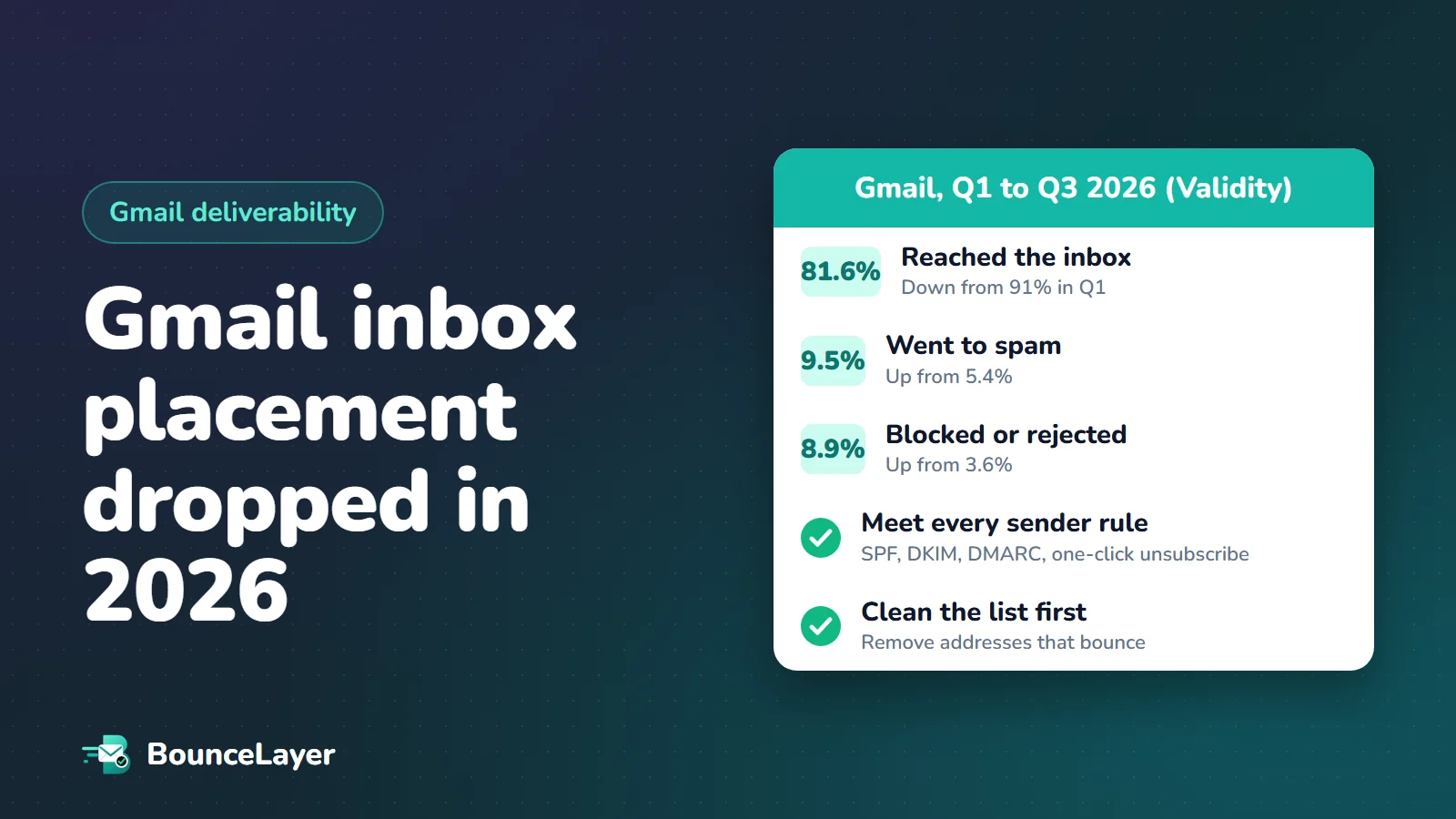
According to Validity, the average Gmail inbox placement rate fell from 90.97% in Q1 2026 to 81.57% in Q3 2026, a drop of 9.4 percentage points. Over the same period the share of mail sent to spam rose from 5.4% to 9.5%, and the share blocked or rejected outright rose from 3.6% to 8.9%. Validity puts it down to Gmail fully enforcing its 2024 sender requirements, a relevance-sorted Promotions tab, and AI summaries that reduce how often people open email. The fix is to meet every sender requirement, keep your spam rate under 0.1%, remove addresses that bounce, and send smaller, more targeted campaigns.
What happened to Gmail inbox placement in 2026
Inbox placement is the share of email that lands in the inbox, rather than the spam folder or nowhere at all. For years Gmail has been one of the easiest big providers to reach. In 2026 that changed.
On 28 October 2026, Validity, which runs one of the largest inbox placement monitoring services, published an analysis by Guy Hanson called "The Great Gmail Inbox Placement Crash". It reports that the average Gmail inbox placement rate fell from 90.97% in the first quarter of 2026 to 81.57% in the third. For comparison, Validity's benchmark report for 2025 put Gmail at 89.8%, ahead of Yahoo (87.3%) and Microsoft (77.4%).
Validity estimates Gmail holds 40.4% of the global mailbox market and 53.9% in the US. Roughly one in ten Gmail messages that used to reach the inbox now doesn't. Validity estimates that every million Gmail messages sent this Black Friday will earn about $5,500 less than last year.
| Gmail, per Validity | Q1 2026 | Q3 2026 | Change |
|---|---|---|---|
| Inbox | 90.97% | 81.57% | -9.4 points |
| Spam folder | 5.4% | 9.5% | +4.1 points |
| Missing (blocked or rejected) | 3.6% | 8.9% | +5.3 points |
| Google Workspace inbox (periods not stated) | 88.9% | 74.3% | -14.6 points |
The biggest change: more mail is being refused, not just filtered
The most telling number is not the spam folder. It is the missing rate: mail Gmail blocked or rejected before it reached any folder. That more than doubled, from 3.6% to 8.9%.
This lines up with what Google itself said. Its sender guidelines FAQ states: "Starting November 2025, Gmail is ramping up its enforcement on non-compliant traffic. Messages that fail to meet the email sender requirements will experience disruptions, including temporary and permanent rejections." A year on, that enforcement shows up in the numbers.
Rejected mail is easier to diagnose than spam-foldered mail, because it comes back with an error code. If your bounce reports show more Gmail rejections this year, that is your first clue.
More Gmail mail is being rejected outright. Find the addresses that would bounce before your next campaign.
Check your list freeWhy Gmail inbox placement dropped: the three causes
Validity calls it "a perfect storm of factors" rather than a single change. It names three.
Google's guidelines say messages that are frequently reported as spam make future messages more likely to be marked as spam, and suggest considering unsubscribing recipients who don't open or read your messages. Every one of the three causes punishes the same thing: sending to people who don't want your email.
- Full enforcement of the 2024 sender requirements. Validity says that falling short on authentication, one-click unsubscribe or low complaint rates "means more spam and rejections". Senders who got away with partial compliance in 2024 and 2025 no longer do.
- A relevance-sorted Promotions tab and automatic annotations. When Gmail decides what to show first, mail people rarely engage with sinks lower and gets opened less, which feeds back into how Gmail treats the next send.
- AI summaries and AI assistants in the inbox. Validity says these further reduce human engagement. If a reader gets the gist from a summary, they may never open the message, and Gmail sees less positive engagement.
How to read these numbers (and what they don't tell you)
The figures are useful as a direction of travel, but treat them with care.
- They are averages across many senders. A well-run sender can still reach the inbox at close to 100%, and a careless one can be far below 81%.
- Validity's post does not describe the method or sample size behind the quarterly figures, a gap also noted by Emailexpert and SMTPedia in their coverage.
- Inbox placement measures where mail landed, not whether anyone read it.
- Other tools use different test panels and report different Gmail numbers, so don't compare figures from different vendors directly.
How to tell if your email is affected
You don't need a paid tool to get a first answer. Check these in order.
Google says it doesn't track open rates and that low open rates aren't necessarily an accurate sign of a deliverability problem. Open rates are also distorted by privacy features that load images automatically. Clicks, replies and conversions split by provider are a far better signal.
| Check | Where | Warning sign |
|---|---|---|
| Results by mailbox provider | Your email platform's reports, split by recipient domain | Gmail clicks or conversions falling while Outlook and Yahoo hold steady |
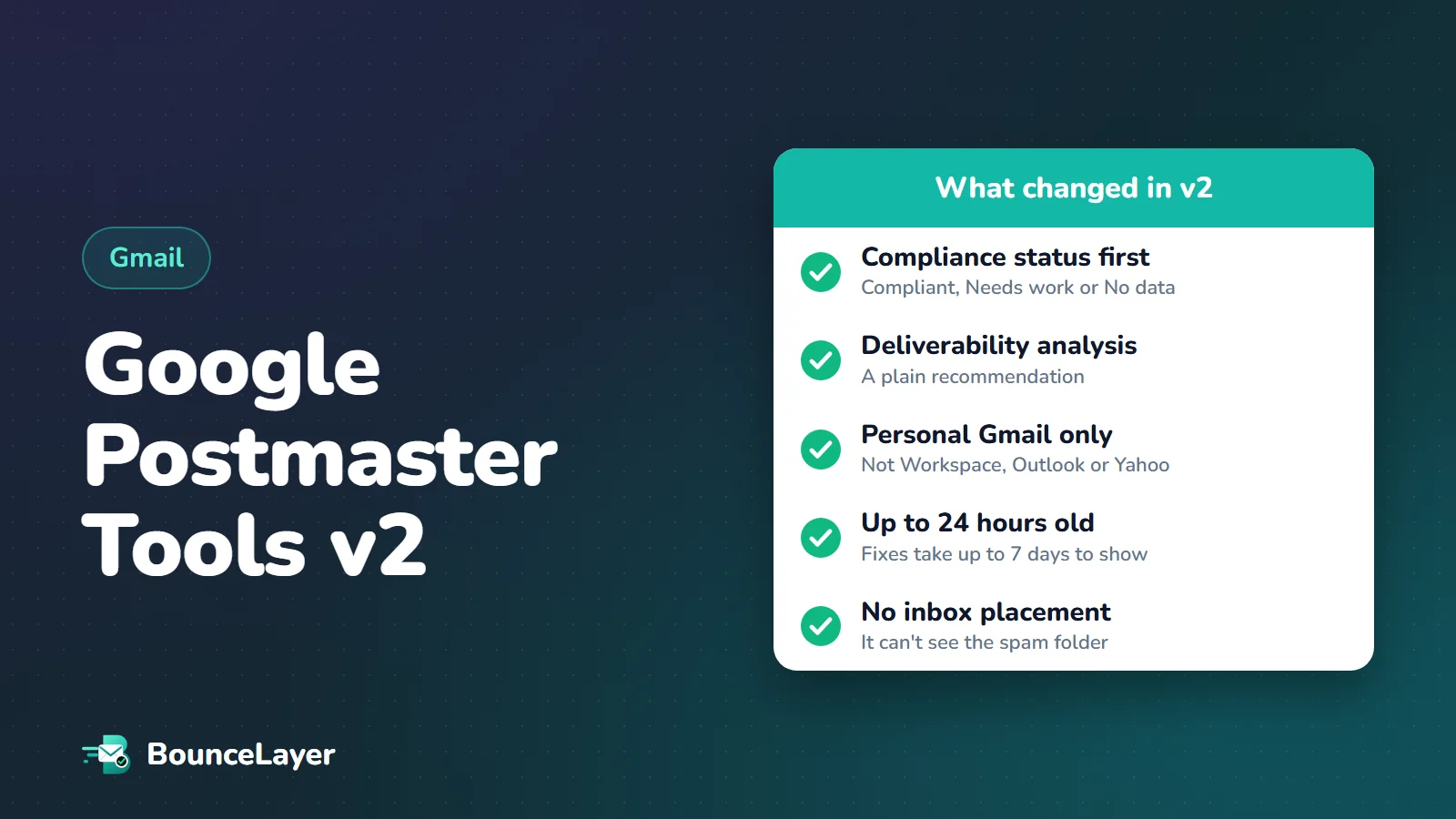
| Compliance status | Google Postmaster Tools (postmaster.google.com) | Any requirement marked "Needs work" |
| Spam rate | Google Postmaster Tools | Above 0.1% on any day; never let it reach 0.3% |
| Bounces from Gmail | Your bounce or suppression report | More rejections from gmail.com or Workspace domains than before |
| Error codes | Bounce messages | Codes such as 4.7.27, 4.7.30, 4.7.31, 5.7.26 or 4.7.28 (see below) |
| A test send | Send to a few Gmail addresses you control | The message lands in Spam or Promotions when it used to reach Primary |
The Gmail error codes to look for
When Gmail rejects mail for not meeting its requirements, it sends back a code and a reason. These come from Google's sender guidelines FAQ and help page. Codes starting with 4 are temporary (Gmail is rate limiting you); codes starting with 5 are permanent blocks.
| Code | What it means | Fix |
|---|---|---|
| 4.7.27 / 5.7.27 | SPF check failed | Fix your SPF record so it includes every service that sends for you |
| 4.7.30 / 5.7.30 | DKIM check failed | Turn on DKIM signing in each sending tool, with a key of 1024 bits or more |
| 4.7.31 | No DMARC record on the sending domain | Publish a DMARC record; p=none is enough to start |
| 4.7.32 | From address not aligned with SPF or DKIM | Sign with DKIM using the same domain as your From address |
| 4.7.23 / 5.7.25 | Sending IP has no valid reverse DNS (PTR) | Ask your host or provider to set reverse DNS |
| 4.7.29 / 5.7.29 | Not sent over TLS | Turn on TLS for outgoing mail |
| 5.7.26 | Unauthenticated mail | Set up SPF and DKIM, then DMARC |
| 4.7.28 | Too much mail too fast | Pause for at least 10 minutes, then send more slowly |
How to get back into the Gmail inbox: a fix list
Work through this in order. The first three are requirements; the rest are what separates senders who reach the inbox from those who just avoid rejection.
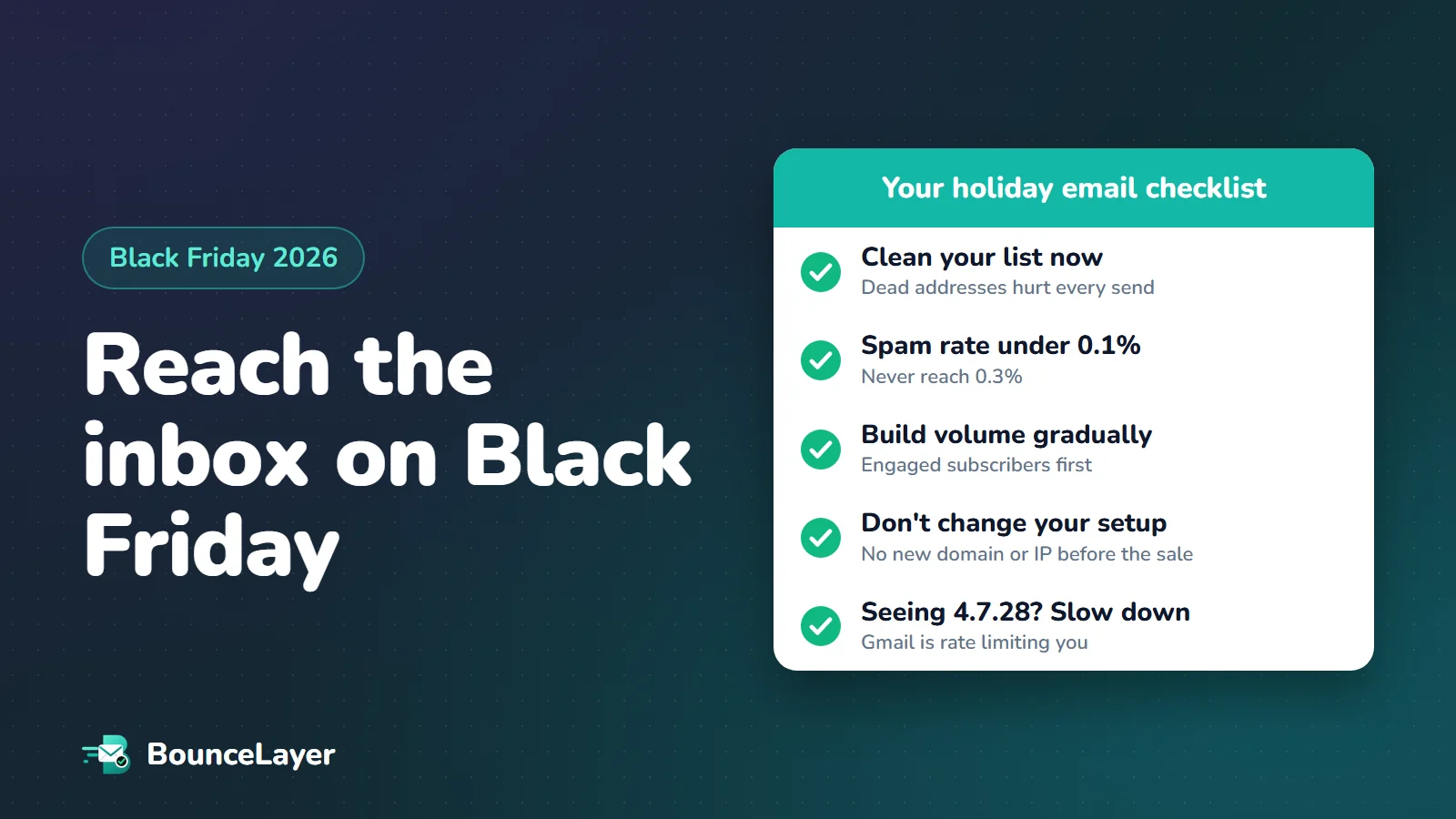
Black Friday is 27 November 2026. Don't change your sending domain or IP now, and don't suddenly mail people you haven't contacted in months. Clean the list, send to engaged subscribers first, and watch Postmaster Tools the morning after each send.
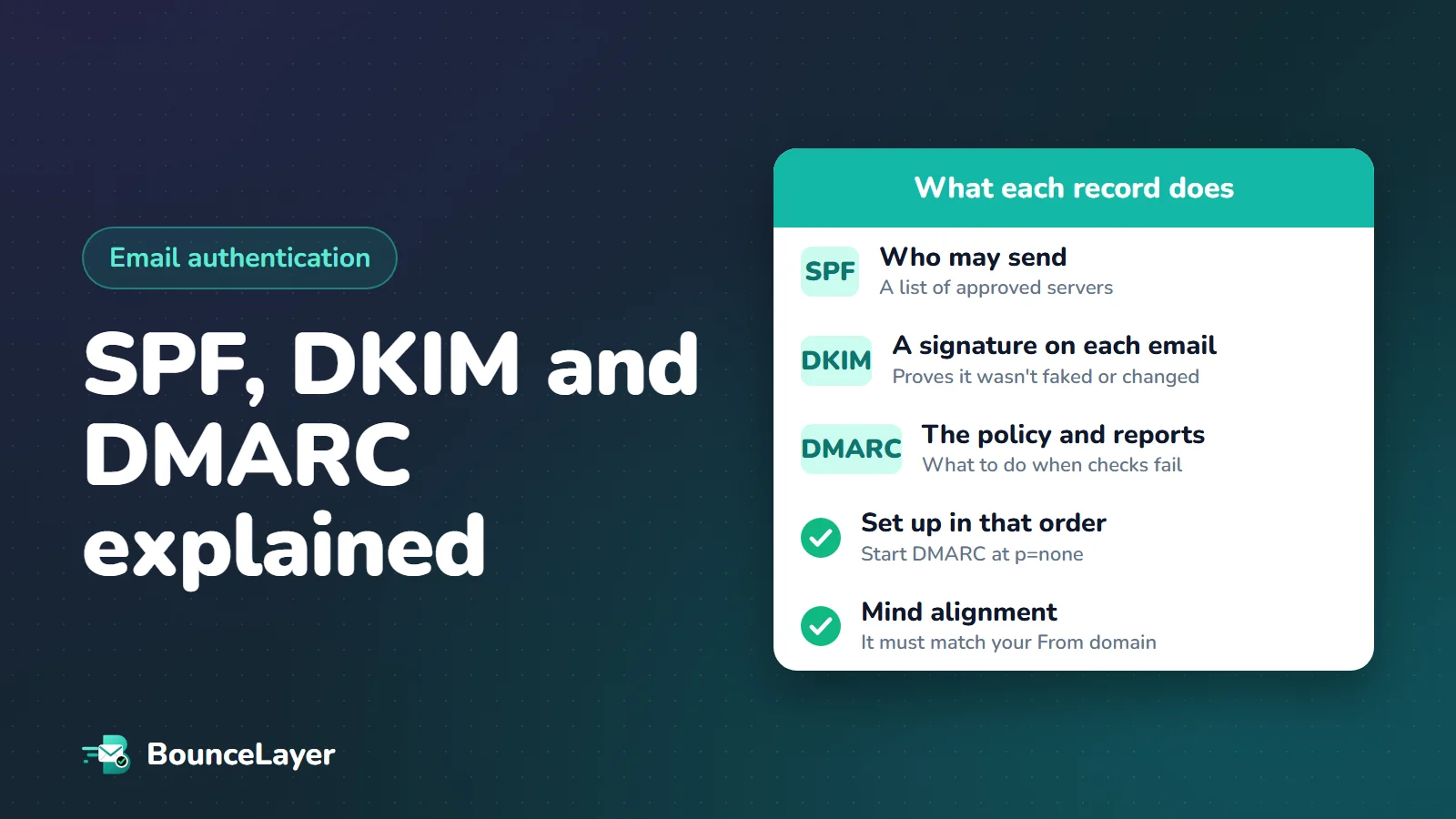
- Authenticate properly. Every sender needs SPF or DKIM. Anyone sending about 5,000 or more messages a day to personal Gmail accounts needs SPF, DKIM and DMARC, and the From domain must align with SPF or DKIM. Google counts you as a bulk sender permanently once you cross that line.
- Add one-click unsubscribe to marketing mail. Use the List-Unsubscribe and List-Unsubscribe-Post headers with an HTTPS link, keep a visible unsubscribe link in the body, and honour requests within 48 hours. A mailto link in the body doesn't count.
- Keep your spam rate below 0.1%. Google calculates it daily and says rates above 0.1% already hurt inbox delivery. At 0.3% or more, Google won't help with delivery problems until you stay below 0.3% for 7 days in a row.
- Remove addresses that will bounce. Dead addresses and typos add rejections and signal a poorly kept list. Check your list before every large send, and remove hard bounces immediately afterwards.
- Stop mailing people who never engage. Move subscribers with no clicks or replies in several months to a re-engagement message, then remove them if they still don't respond.
- Send smaller, more targeted campaigns. Validity's advice is not to ramp up frequency and volume, and to favour sends that are "highly targeted and relevant". Send to your most engaged subscribers first.
- Write for the summary. With AI summaries in the inbox, put the key point and offer in the subject line and first sentence, so the message is useful even if it is summarised rather than opened.
What not to do
Some reactions make a placement problem worse.
- Don't look for a way to be allowlisted. Google says it doesn't accept allowlist requests from email providers.
- Don't switch to a fresh domain to escape a bad reputation. Google says new domains face an accelerated enforcement timetable, and the list problems come with you.
- Don't increase volume to make up for lost reach. More mail to unengaged people raises complaints and pushes placement down further.
- Don't buy or rent lists. They are full of addresses that bounce or people who never asked to hear from you, exactly what Gmail is filtering out.
Common questions
Why are my emails suddenly going to spam in Gmail in 2026?
Gmail has been enforcing its sender requirements more strictly since November 2025, and Validity reports average Gmail inbox placement fell from 90.97% to 81.57% between Q1 and Q3 2026. The usual causes are missing or misaligned SPF, DKIM or DMARC, no one-click unsubscribe, a spam rate above 0.1%, and sending to addresses that bounce or people who don't engage.
How much did Gmail inbox placement drop in 2026?
According to Validity, from 90.97% in Q1 2026 to 81.57% in Q3 2026, a fall of 9.4 percentage points. Spam placement rose from 5.4% to 9.5%, and mail blocked or rejected rose from 3.6% to 8.9%. Google Workspace placement fell from 88.9% to 74.3%.
Does the drop affect Google Workspace business addresses?
Yes, and more sharply. Validity reports average inbox placement at Google Workspace fell from 88.9% to 74.3%, a drop of 14.6 points, though it did not state the exact periods compared.
What is a good inbox placement rate?
There is no official target, but well-run senders aim for above 90% at each major provider. Validity's 2025 benchmark put Gmail at 89.8%, Yahoo at 87.3% and Microsoft at 77.4%, so anything well below those averages points to a problem with your setup or list.
What spam rate does Gmail allow?
Google asks senders to keep the user-reported spam rate in Postmaster Tools below 0.1% and never let it reach 0.3%. It is calculated daily. Above 0.3%, bulk senders can't get help with delivery problems until their rate stays below 0.3% for 7 consecutive days.
Do Gmail's AI summaries hurt email deliverability?
Not directly; Google has published no rules about AI summaries for senders. Validity believes AI summaries and assistants reduce how often people open and engage with email, and lower engagement can lead Gmail to place future messages less favourably.
How do I check if my emails land in the Gmail inbox?
Split your results by recipient domain in your email platform, check Compliance status and spam rate in Google Postmaster Tools, look for Gmail error codes in your bounces, and send a test to a few Gmail addresses you control. Postmaster Tools itself does not show inbox placement.