SPF, DKIM and DMARC Explained: What Each One Does and How to Set Them Up
Three DNS records decide whether Gmail, Yahoo and Outlook trust your email. Here's what each one does in plain English, example records you can copy, the order to set them up, and the mistakes that break them.
 Written byBounceLayer Team
Quick answer
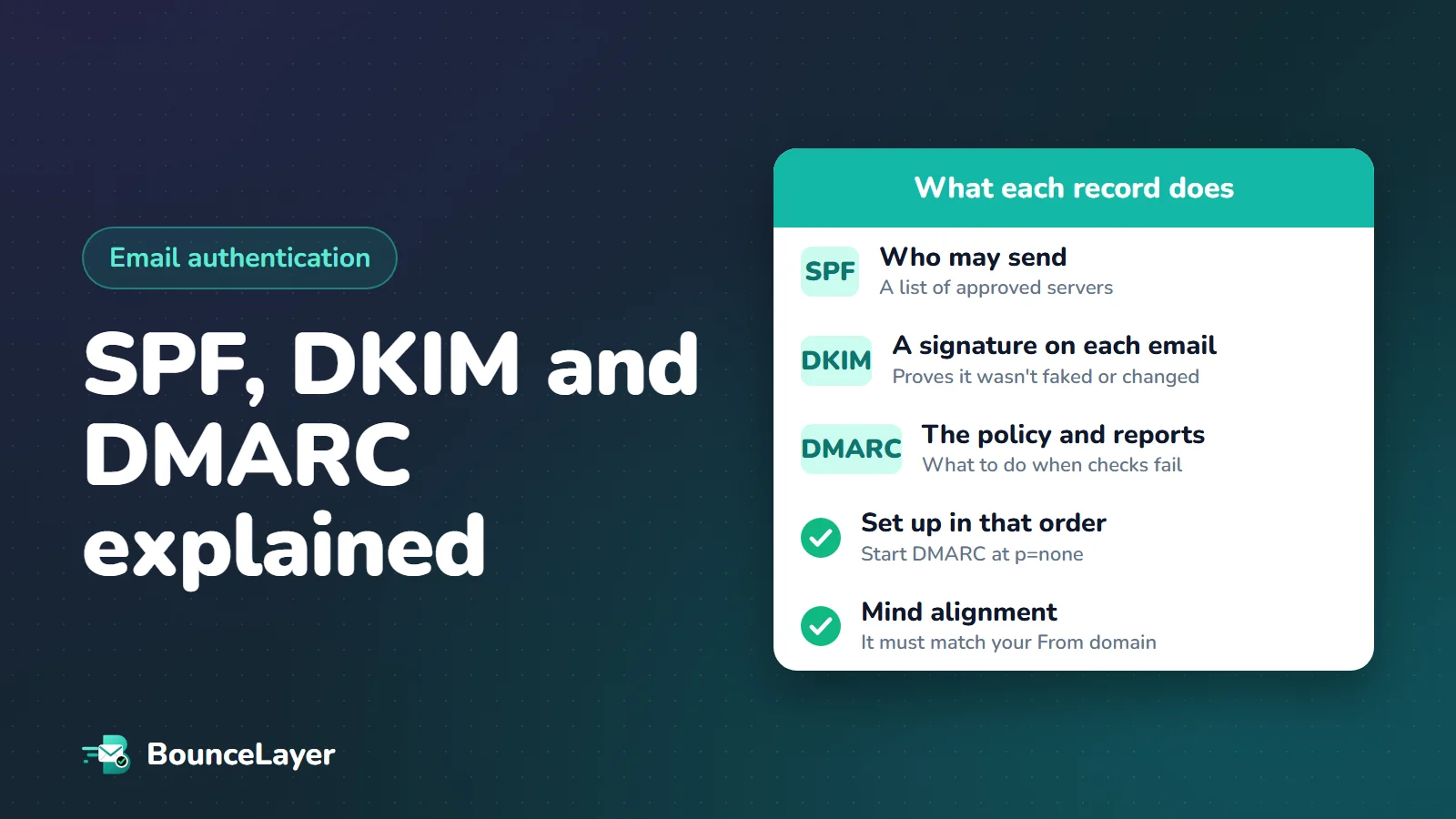
SPF, DKIM and DMARC are three DNS records that prove an email really comes from your domain. SPF lists the servers allowed to send for you. DKIM adds a signature to each message so it can't be altered or faked. DMARC tells mail providers what to do when a message fails those checks, and sends you reports. Google requires SPF or DKIM from every sender and all three from anyone sending about 5,000 or more emails a day to Gmail. Set them up in that order: SPF, then DKIM, then DMARC starting at p=none.
Why email needs these three records
Email was designed without any check on who the sender is. Anyone can put your address in the From line, which is how phishing works. SPF, DKIM and DMARC were added later to close that gap. Each is a short piece of text in your domain's DNS settings, the same place that says where your website lives.
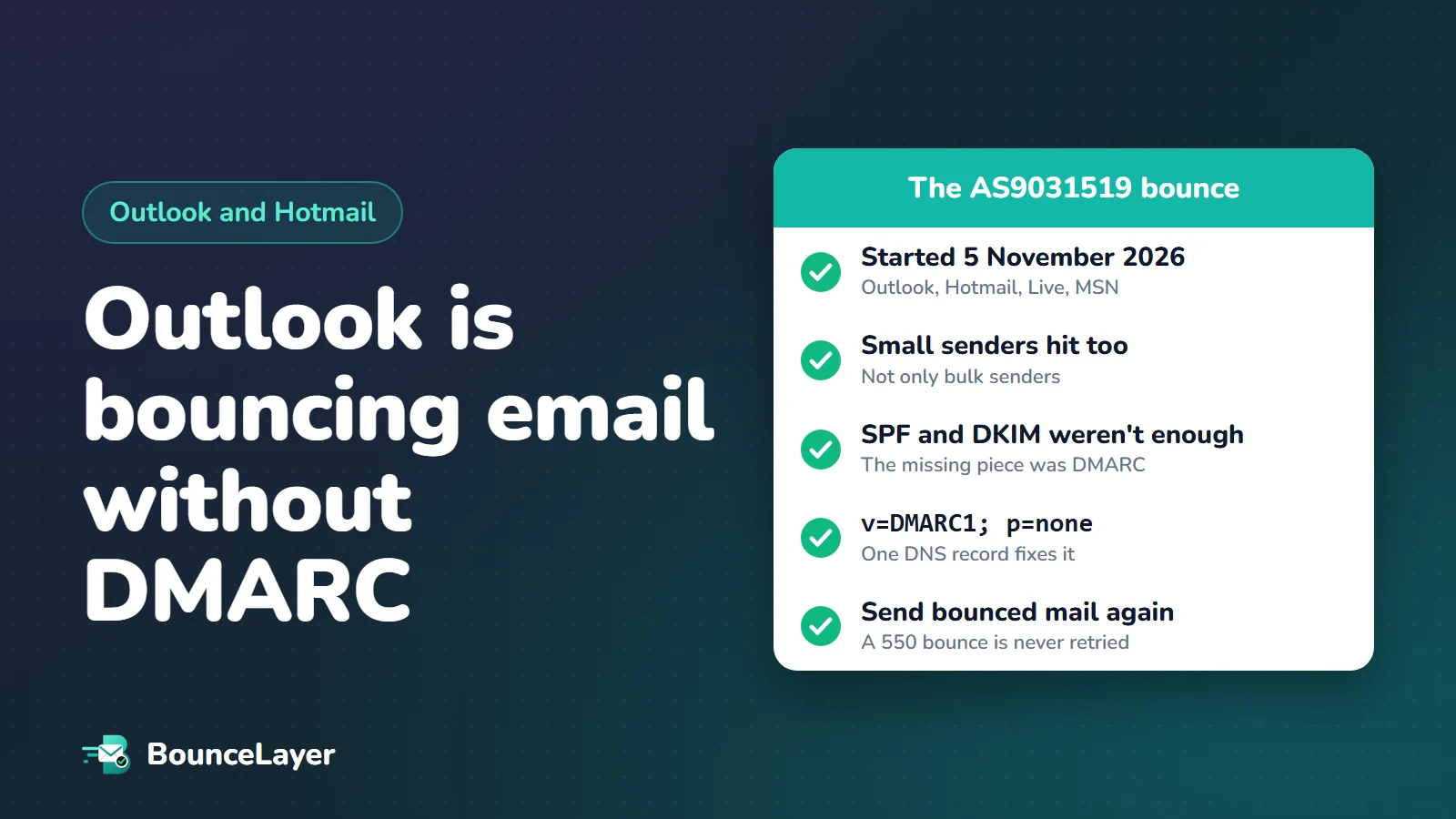
Mail providers now treat them as the minimum. Google's sender guidelines require SPF or DKIM from every sender, and all three from bulk senders. Microsoft applies similar rules to high-volume senders, and in November 2026 Outlook.com briefly bounced mail from domains with no DMARC record at all.
| SPF | DKIM | DMARC | |
|---|---|---|---|
| What it answers | Is this server allowed to send for this domain? | Was this message really signed by this domain, and unchanged? | What should happen if those checks fail? |
| How it works | A list of approved senders in DNS | A signature on each email, checked against a public key in DNS | A policy in DNS, plus reports sent to you |
| Where it lives | TXT record on your domain | TXT record at selector._domainkey | TXT record at _dmarc |
| Breaks when | Mail is forwarded | The message is modified on the way | Neither SPF nor DKIM matches your From domain |
SPF: the list of who may send
SPF stands for Sender Policy Framework. It's one TXT record that lists the servers and services allowed to send email for your domain. When a message arrives, the receiving server looks up the record and checks whether the sending server is on the list.
Each service you send through gives you an "include" to add. The record ends with what to do about everyone else: ~all (treat as suspicious) or -all (reject).
- One SPF record per domain. If you have two, both are ignored. Combine them into one.
- No more than 10 DNS lookups. Every include counts, and so do the includes inside them. Go over and SPF fails.
- SPF checks the hidden return address, not the From address people see. That's why SPF alone doesn't stop spoofing.
- Forwarding breaks SPF, because the forwarding server isn't on your list. DKIM covers that gap.
Type:   TXT
Name:   @
Value:  v=spf1 include:_spf.google.com include:sendgrid.net ~all
Check your domain's SPF, DKIM and DMARC records for free. It takes a few seconds and there's no sign-up.
Check your DMARC recordDKIM: the signature on every message
DKIM stands for DomainKeys Identified Mail. Your mail service adds a digital signature to the header of each message. The matching public key sits in your DNS, so any receiving server can check that the message really came from your domain and wasn't changed on the way.
You don't write DKIM records by hand. Each sending service generates one for you, with a name called a selector, and tells you what to add. Because the signature travels with the message, DKIM survives forwarding.
- Turn DKIM on in every tool that sends as your domain: your mailbox provider, your marketing tool, your CRM, your help desk.
- Make sure each tool signs with your domain, not its own. Look for a setting called "authenticate your domain" or "custom DKIM".
- Use a 2048-bit key where your provider supports it. Google requires at least 1024 bits.
Type:   TXT (some providers use CNAME)
Name:   selector1._domainkey
Value:  v=DKIM1; k=rsa; p=MIIBIjANBgkqhkiG9w0BAQEFAAOCAQ8A...
DMARC: the policy and the reports
DMARC stands for Domain-based Message Authentication, Reporting and Conformance. It does two things. It tells mail providers what to do with a message that fails authentication: nothing, send it to spam, or reject it. And it asks them to send you reports showing who is sending email as your domain.
DMARC is also the only one of the three that looks at the From address your recipients actually see, which is what makes it effective against spoofing.
Type:   TXT
Name:   _dmarc
Value: v=DMARC1; p=none; rua=mailto:dmarc-reports@yourdomain.com| Policy | What providers do with failing mail | When to use it |
|---|---|---|
| p=none | Deliver as normal, and send you reports | First, while you find out who sends as you |
| p=quarantine | Put it in the spam folder | Once your reports show all your real mail passing |
| p=reject | Refuse it | The goal: nobody can send fake email as your domain |
Alignment: where most setups fail
Here is the part that trips people up. A message can pass SPF and pass DKIM and still fail DMARC.
DMARC passes only when SPF or DKIM passes for the same domain that appears in your From address. That match is called alignment. Google's guidelines put it this way: the domain in the From header must be aligned with either the SPF domain or the DKIM domain.
The usual cause of failure is an email tool that sends as you@yourdomain.com but signs with its own domain and uses its own return address. Both checks pass, for the tool's domain. Neither matches yours, so DMARC fails. The fix is to set up custom DKIM (and, where offered, a custom return path) in that tool.
Send an email to a Gmail address you own, open it, click the three dots and choose "Show original". You'll see SPF, DKIM and DMARC each marked PASS or FAIL, with the domain that was checked. If DMARC says FAIL while the others say PASS, you have an alignment problem.
The order to set them up
Do them in this order. Each step takes a few minutes of work, plus waiting for DNS to update.
If one of your own tools isn't set up correctly, a reject policy tells providers to refuse your real email: invoices, password resets, replies to customers. Start at p=none, where nothing is blocked, and tighten only when the reports are clean.
- 1. List every service that sends email as your domain. Include billing systems, website forms and support tools; they're the ones people forget.
- 2. SPF: create one record that includes all of them. Check it needs 10 lookups or fewer.
- 3. DKIM: switch it on in each service and add the record each one gives you.
- 4. DMARC: add a record with p=none and a reporting address.
- 5. Read the reports for two to eight weeks. Fix any of your own services that fail.
- 6. Move to p=quarantine, then p=reject, once everything genuine passes.
Common mistakes
Most broken setups come down to one of these.
- Two SPF records, usually because a new tool's instructions said "add this record" instead of "add this include".
- More than 10 SPF lookups after adding one tool too many.
- DKIM switched on for the main mailbox but not for the marketing or support tool.
- A DMARC record with no rua address, so the reports that would show the problem never arrive.
- Two DMARC records on the same domain. That counts as none.
- Forgetting domains you don't send from. A parked domain with no records can be used by scammers; give it v=spf1 -all and a p=reject DMARC record.
What authentication doesn't fix
Passing all three checks proves the email is really from you. It doesn't make providers like the email. A fully authenticated sender who mails dead addresses and people who never signed up still ends up in spam, because bounce rates and spam complaints are judged separately.
Think of it as an ID card: you need it to get through the door, and what you do inside still counts. Keep your list clean, remove addresses that bounce, and make unsubscribing easy.
Common questions
What is the difference between SPF, DKIM and DMARC?
SPF lists the servers allowed to send email for your domain. DKIM adds a signature to each message that proves it came from your domain and wasn't changed. DMARC tells mail providers what to do when a message fails those checks and sends you reports.
Do I need all three?
Yes, in practice. Google requires SPF or DKIM from every sender and all three from anyone sending about 5,000 or more emails a day to Gmail. Even small senders should have all three: they're free and take minutes to add.
Which should I set up first?
SPF first, then DKIM, then DMARC. DMARC depends on the other two, so it comes last, starting with p=none.
Why does DMARC fail when SPF and DKIM pass?
Because of alignment. DMARC needs SPF or DKIM to pass for the same domain that's in your From address. If an email tool signs with its own domain, both checks pass for that domain and DMARC still fails. Set up custom DKIM in the tool.
Can I have two SPF records?
No. A domain can have only one SPF record, and if there are two, both are ignored. Combine every service into a single record with multiple include entries.
What does p=none mean in DMARC?
It tells mail providers to deliver your mail as normal and send you reports. It can't cause your email to be blocked, which makes it the safe starting point. It also doesn't stop anyone spoofing your domain; for that you need quarantine or reject.
Will SPF, DKIM and DMARC stop my emails going to spam?
They remove one major cause, but not all. Providers also look at bounce rates, spam complaints and engagement. Authentication proves who you are; a clean list and wanted email keep you in the inbox.