How to Stop Fake Signups in WordPress and WooCommerce
Fake accounts, throwaway inboxes and mistyped addresses get into WordPress through the registration form, comments, contact forms and checkout. Here's where they come from, what each one costs you, and how to stop them at the form without blocking real customers.
 Written byBounceLayer Team
Quick answer
To stop fake signups in WordPress and WooCommerce, check each email address when the form is submitted, not after. Block addresses that can't receive mail and temporary (disposable) inboxes, offer a fix for obvious typos such as gmial.com, and always let addresses through when they can't be confirmed or the check is slow, so you never lose a real customer. A CAPTCHA stops bots, but it doesn't stop a real person typing a throwaway or mistyped address.
Where fake signups get into WordPress
Every WordPress form that asks for an email address is a way in: the registration form, comments, contact forms built with Contact Form 7, WPForms, Gravity Forms or Elementor, and on shops the WooCommerce checkout and My Account registration.
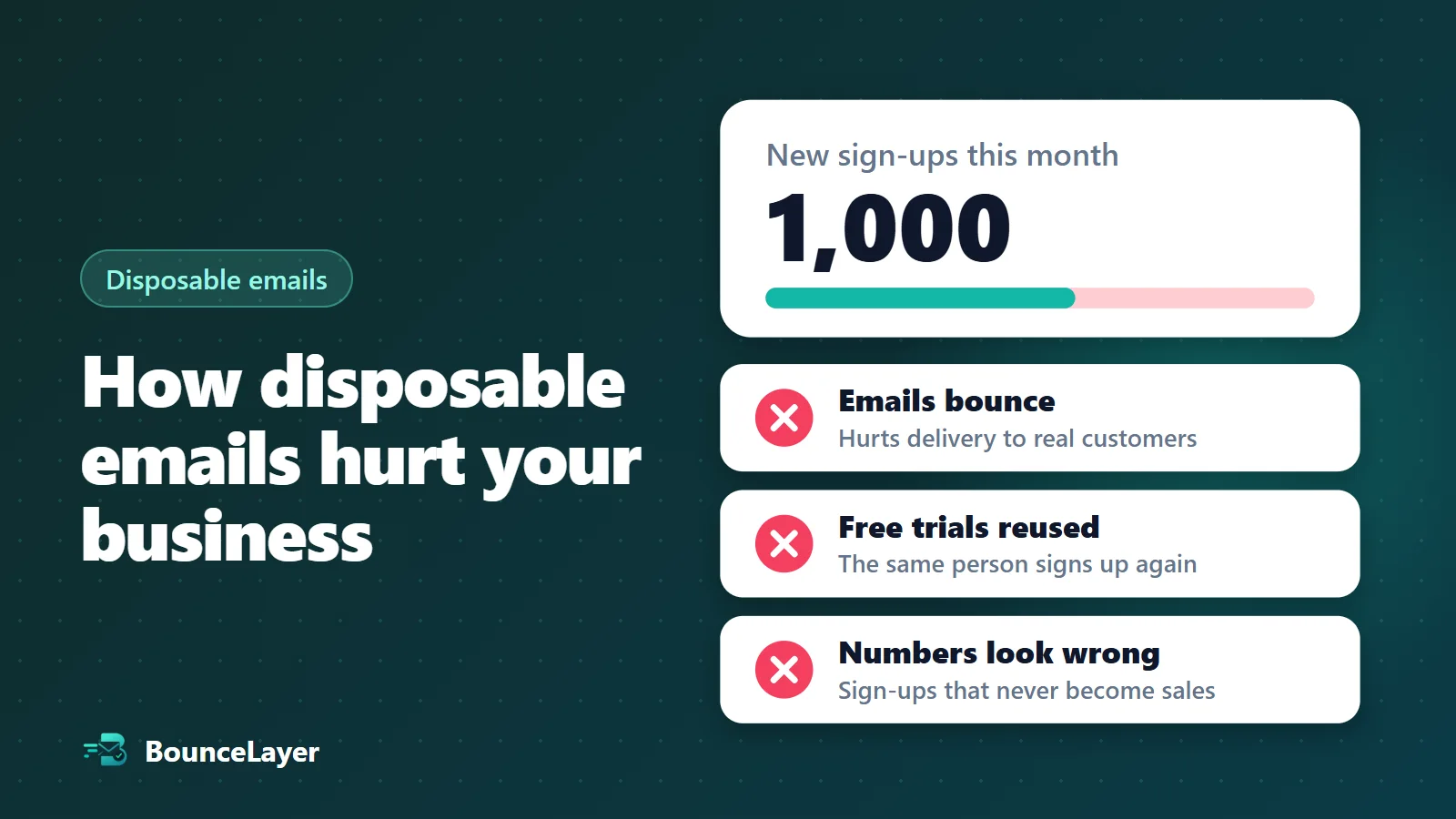
They don't all come from bots. Most of the addresses that cause trouble are typed by real people: someone grabbing a coupon with a temporary inbox, someone signing up twice for a free trial, or a genuine customer who typed gmial.com and will never get their order confirmation.
The three kinds, and what each costs you
It helps to treat them separately, because the right answer is different for each.
| Kind | Example | What it costs | What to do |
|---|---|---|---|
| Throwaway inbox | x7k2@temp-mail.org | Free-trial and coupon abuse, fake accounts, an inbox that expires in minutes | Block at signup and checkout |
| Address that doesn't exist | sales@company-that-closed.com | Every email bounces, which hurts your sender reputation | Block |
| Typo | jane@gmial.com | A real customer who never gets their receipt or password reset | Suggest the fix |
Check every signup and order in WordPress with the free plugin.
Get the WordPress pluginWhy a CAPTCHA isn't enough
CAPTCHAs and honeypot fields are good at stopping automated bots, and you should keep them. But they check whether a human filled in the form, not whether the email address works.
A real person can pass any CAPTCHA and still type a temporary inbox or a mistyped domain. WordPress's built-in is_email() check doesn't help either: it only looks at the format, so jane@gmial.com and an address at a domain that doesn't exist both pass.
Check the address when the form is submitted
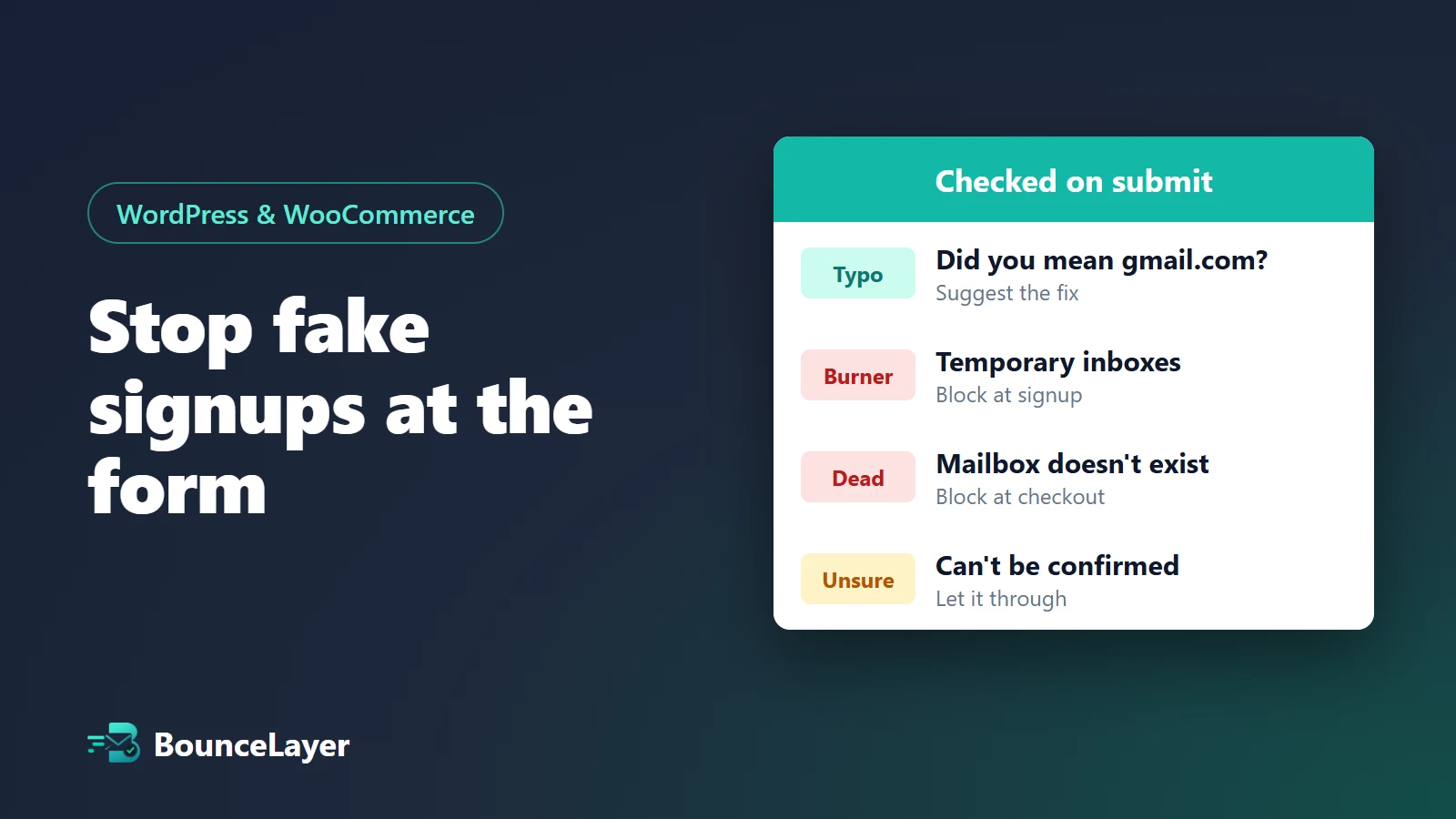
The best moment to catch a bad address is the second the visitor presses Submit, while they're still on the page and can fix it. A verification check at that point looks at whether the domain can receive mail, whether it belongs to a throwaway service, whether the mailbox exists, and whether the domain looks like a typo of a common provider.
Done well, the visitor sees a short, friendly message in the form's own error style, and a real customer with a typo fixes it in one click.
If the verification service doesn't answer within a few seconds, let the form through. Losing one real order costs far more than letting one bad address in.
- Block: addresses that can't receive mail, and throwaway inboxes.
- Suggest a fix: likely typos, such as gmial.com or hotnail.com.
- Your choice: role addresses (info@, sales@), catch-all domains and free providers. Block free providers only on business-only lead forms.
- Always allow: addresses that can't be confirmed either way, and every address when the check is slow or unreachable.
Setting it up on WordPress and WooCommerce
Our free BounceLayer Email Verification plugin does this on registration, comments, profile email changes, WooCommerce classic and block checkout, My Account registration, Contact Form 7, WPForms, Gravity Forms and Elementor Pro forms. Install it from Plugins › Add New, paste an API key, and choose which forms to protect and what to block.
It lets the form through whenever an address can't be confirmed or the check takes longer than your limit (5 seconds by default), checks each address only once an hour, and limits checks per visitor so bots can't spend your credits. Every account gets 300 free checks a month.
Clean up the fake accounts you already have
Checking new signups stops the problem growing. For the accounts and customers already on your site, export the email addresses (Users › All Users, or WooCommerce › Customers) as a CSV and check the list in one go. Remove or tag the invalid and throwaway ones before your next campaign.
Common questions
How do I block disposable emails in WordPress?
Use a plugin that checks each address against a list of throwaway email services when the form is submitted, and blocks them with a message. Checking at submission catches them before the account or order is created.
Does WooCommerce verify customer email addresses?
No. WooCommerce only checks that the address is in a valid format. It doesn't check that the domain or mailbox exists, or whether it's a temporary inbox.
Will email verification block real customers?
It shouldn't, if it's set up to let through any address it can't confirm and to let the form through when the check is slow. Block only addresses that are clearly invalid or throwaway.
Is a CAPTCHA enough to stop fake signups?
No. A CAPTCHA stops bots, but a real person can still enter a throwaway or mistyped address. Use both: a CAPTCHA for bots and an email check for the address itself.